In short: Texel density is how many texture pixels cover a real-world unit of surface, and keeping it consistent is the difference between an environment that reads as one coherent world and one that looks like assets from five different games glued together.
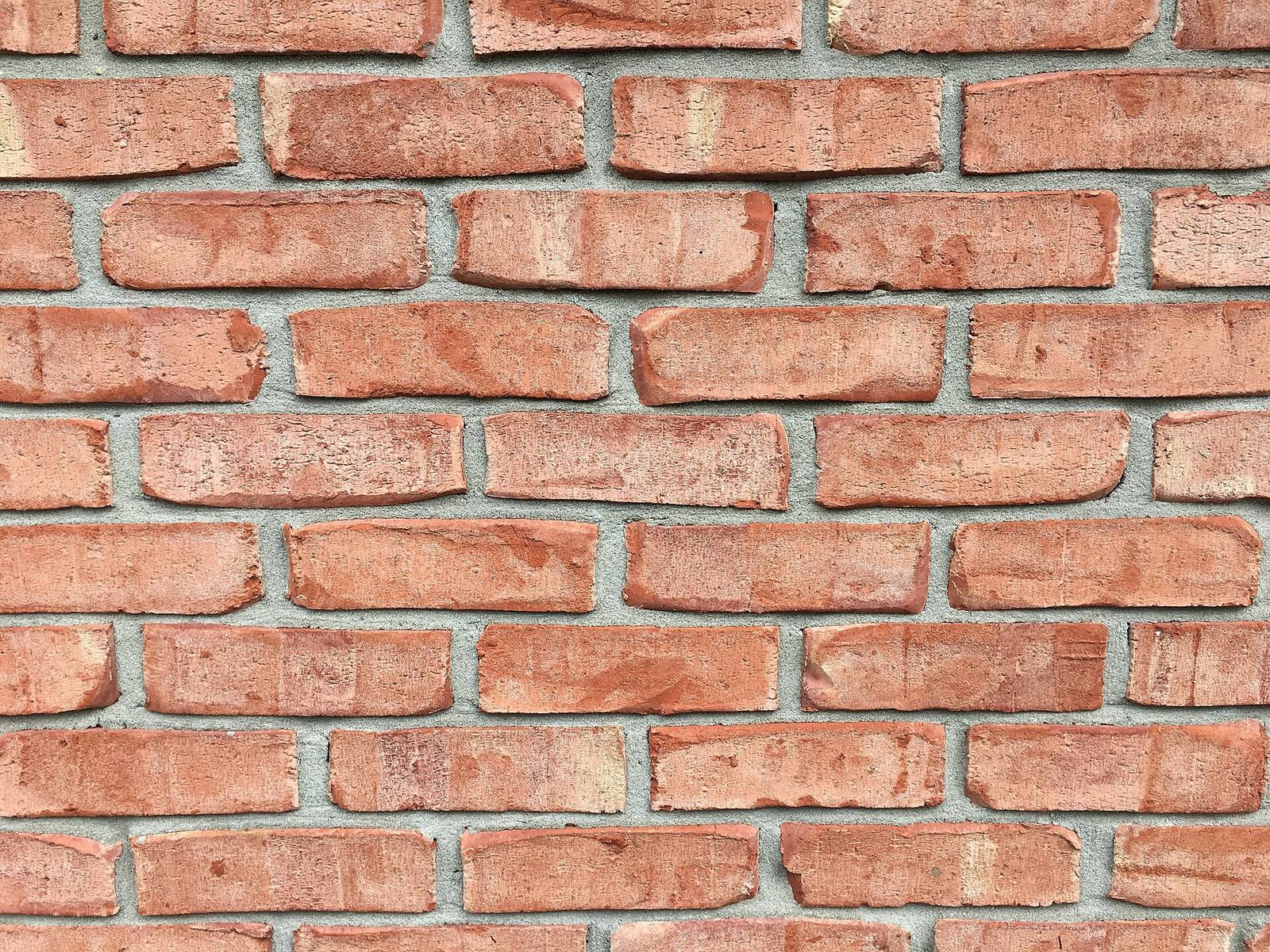 A brick wall is a texel-density lesson in stone: every brick carries the same amount of detail per centimetre. When one asset in your scene has twice the texel density of its neighbour, players feel the wrongness even if they can't name it.
What texel density actually is
Texel density is texture resolution per unit of surface, usually pixels per metre or per centimetre. A 1024-pixel texture on a 4-metre wall is 256 px/m; the same texture on a 2-metre wall is 512 px/m, twice as crisp.
A "texel" is a texture pixel. Texel density measures how many of them land on a given amount of surface area in the world. It's the bridge between your texture resolution (an image property) and your model scale (a world property), and because it depends on both, two assets with identical 2K textures can look wildly different if one is mapped onto a surface twice the size of the other. That mismatch is what your eye catches: a crisp door next to a blurry wall, or a razor-sharp crate against a mushy floor. Consistency, not maximum resolution, is what sells a unified look.
The values shipped games use
A common standard is 512 px/m (≈5.12 px/cm) for general environment surfaces, dropping to 256 for large distant terrain and rising to 1024+ for hero props the camera gets close to. Pick your baseline from the closest the player gets.
There's no universal number: it's set by your target platform, camera distance, and memory budget, but the working ranges are well established:
- Large terrain / distant architecture: ~256 px/m, since the player never gets close, so detail there is wasted memory
- General playable environment (walls, floors, mid props): ~512 px/m is a common, comfortable baseline
- Hero assets the camera pushes in on (a key prop, a face-height detail): 1024 px/m or higher
- First-person hands / weapons: highest of all, because they're always inches from the camera
The principle behind the numbers: texel density should scale with how close the player gets. Set your baseline from your tightest common camera distance, then step down for things that are always far away. A studio picks one baseline number, writes it on the art bible, and holds every general asset to it.
How to measure it
Apply a checker texture with a known pixel-per-square value to your model at its final scale. If the squares look the same size on every asset in a scene, your texel density is consistent; mismatched square sizes reveal the problem instantly.
The checker (or "UV grid") texture is the single most useful tool here. It's a tiled pattern of coloured squares; when you assign it to your assets at final world scale, each square represents a fixed number of texels. Consistent density means the squares are the same physical size across every surface. A wall whose squares are twice as big as the floor's is under-textured relative to the floor, so now you can see the density mismatch instead of guessing. Most DCC tools and engines have a texel-density checker or a script that reports px/m directly; either way, the checker texture is the fast visual gut-check every artist should keep one keypress away.
 Real construction holds every element to shared tolerances so the pieces fit. A texel-density standard is the same idea for surfaces: a shared spec that makes independently-built assets read as one structure.
When to break the rule
Raise density on hero assets the camera lingers on, and lower it on things that are always distant or tiny on screen. Uniform density everywhere wastes memory on the far stuff and starves the close stuff: consistency means consistent FOR ITS CAMERA DISTANCE, not identical everywhere.
"Consistent texel density" doesn't mean one number for the whole game; it means a deliberate density appropriate to each asset's role, with no accidental mismatches between neighbours. The hero statue the player walks up to earns 1024+; the mountain silhouette two kilometres away is fine at 128. The skill is that the step-downs are intentional and documented, not the random result of whoever modelled what. A useful mental model: budget your texture memory the way you budget polygons: spend it where the camera spends its time, and starve the places it never visits.
Enforcing it across a team
A standard nobody can check is a standard nobody follows. Make it enforceable with a shared checker texture, a density-report script in the import step, and a one-line spec on the art bible, so on-convention assets are the path of least resistance.
This is where texel density stops being a solo craft skill and becomes a pipeline problem. On a team, the density will drift the moment it depends on each artist remembering a number, because people model at different scales, import at different settings, and eyeball differently. What holds the line is tooling:
- A shared checker texture everyone assigns the same way, so mismatches are visible in every review.
- A density check at import: a script that reports px/m and flags anything outside the agreed band before it enters the library.
- A one-page spec: the baseline number, the hero and terrain exceptions, and the checker workflow, on the art bible everyone reads on day one.
Consistency is also a findability problem: to hold assets to a standard you have to be able to see them all, compare them, and spot the outlier, which is why a content browser that renders consistent thumbnails and lets you sort a huge library, like the one in Numivo, quietly makes texel-density discipline easier: the odd-one-out is visible at a glance instead of discovered in-engine three months later.
Field numbers worth stealing
- General environment baseline: ~512 px/m (≈5.12 px/cm)
- Distant terrain / far architecture: ~256 px/m (closer wastes memory)
- Hero / close-camera assets: 1024 px/m and up
- The tool that makes it visible: a checker / UV-grid texture at final scale
- Enforcement that sticks: checker + import-time report + one-page spec, not memory and nagging
Mini-FAQ
Higher texel density is always better, right? No, it costs texture memory and streaming bandwidth for detail the player may never see up close. Past the resolution the camera can resolve at that distance, extra texels are pure waste. Match density to camera distance, not to "as high as possible."
Does trim-sheet and tiling texturing change this? It changes how you hit the target, not the target itself. Tiling textures and trim sheets are often the easiest way to keep density consistent across large surfaces, because the same sheet at the same scale gives the same density everywhere it's used.
How do I fix a library that's already inconsistent? Measure a representative sample with the checker to find the spread, agree a baseline, and fix opportunistically: re-density assets as scenes pull them in, rather than attempting a heroic full-library repass. The assets that matter get fixed first because they're the ones in use.
What about mobile or the Switch? Same concept, lower baselines: you might run 256 px/m as your general standard instead of 512. The discipline is identical; only the numbers move to fit the memory budget.
Texel density is one of those unglamorous fundamentals that separates professional-looking environments from student ones. Pick a baseline, make it visible with a checker, enforce it with a check at the door, and your independently-built assets will finally read as a single, believable world.