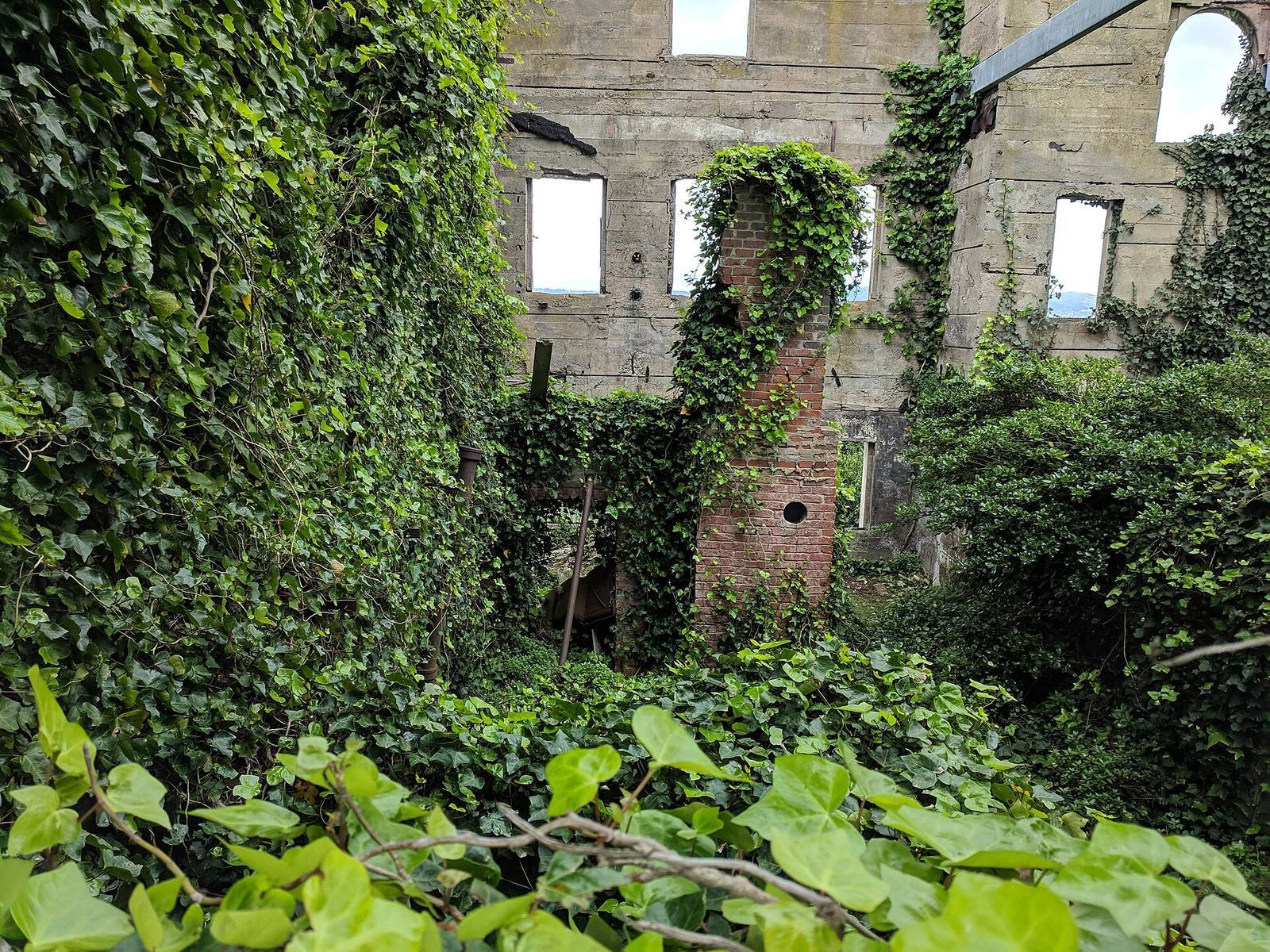
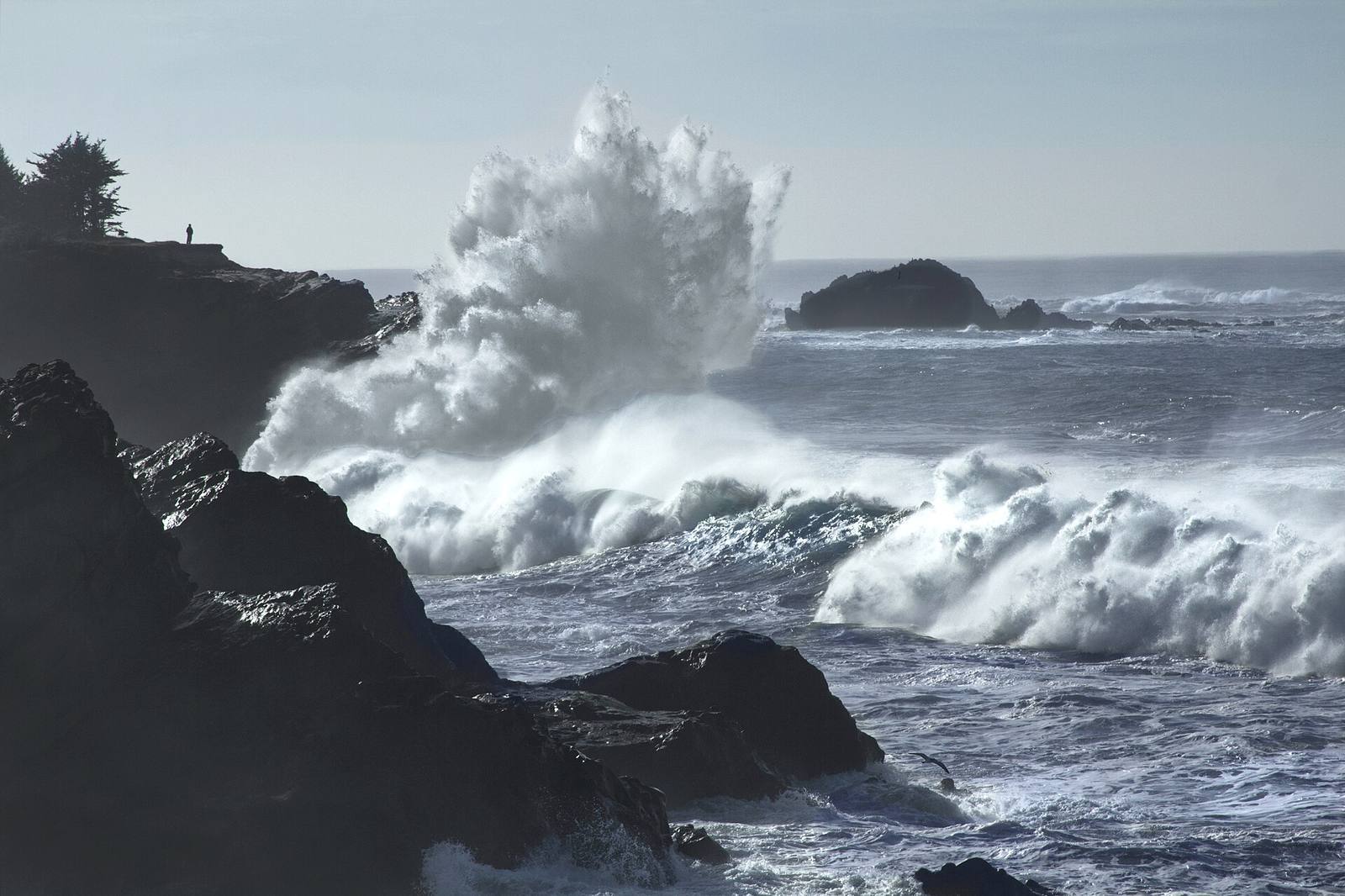
In short: Photogrammetry turns a set of ordinary photos into a textured 3D model, and in 2026 a phone is enough to capture production-quality rock, bark, ground and props. But a raw scan is never game-ready: it's a dense, messy, lit-in mesh that needs retopology, baking and delighting before it earns a place in a level.
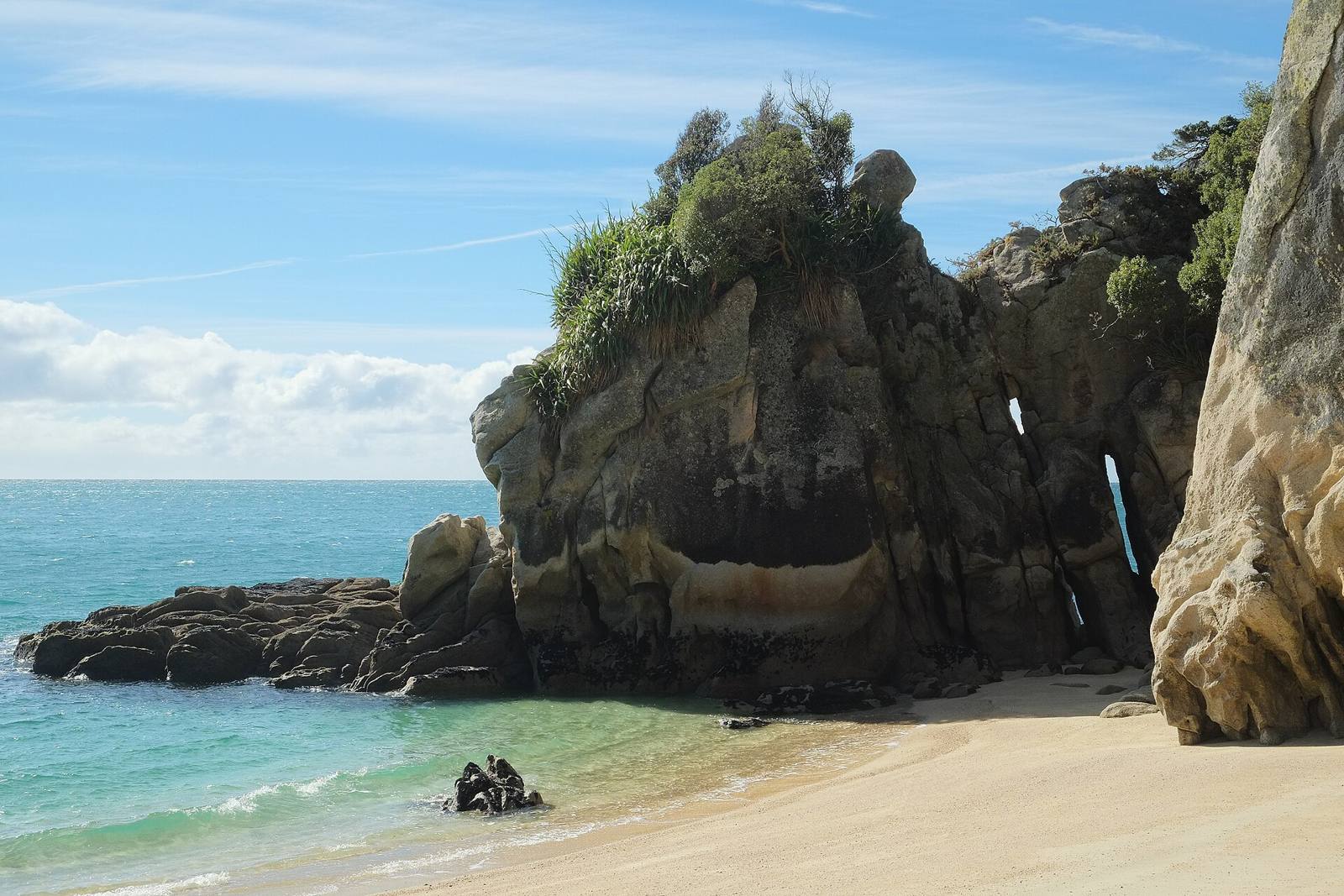 This is scanning's home turf: eroded, irregular, real-world surface that would take days to sculpt and minutes to photograph. Capture it, retopologise it, and you have a hero rock no one could tell from a hand-made one.
Shooting a good capture with a phone
Photograph the subject from many overlapping angles (60–80% overlap), in flat, even light (overcast is ideal), keeping it sharp and filling the frame. Coverage and consistent light matter far more than an expensive camera.
The quality of a scan is decided at capture, and the rules are simple. Move around the subject taking overlapping photos, each shot sharing most of its view with the last, covering it from every angle, including high and low. Shoot in flat, even light: an overcast day or open shade, because hard sun bakes shadows into the texture that you'll fight later. Keep every frame sharp (photogrammetry hates blur), fill the frame with the subject, and don't move the subject between shots. A modern phone used with these habits beats an expensive camera used carelessly. The technique is coverage and light, not gear.
From raw scan to a game mesh
The processed scan is millions of triangles, unusable in a game. Retopologise it to a clean, low-poly mesh (auto-retopo gets you most of the way), then that lightweight mesh is what ships. The dense scan becomes a source, not the asset.
Photogrammetry software turns your photos into a dense, high-resolution mesh, often millions of polygons, that's perfect as a source and hopeless as a game asset. The essential step is retopology: building a clean, efficient low-poly mesh that captures the silhouette. Automatic retopology tools handle most organic scans well and get you to a usable base fast; you refine where the silhouette matters. The dense scan doesn't ship. It becomes the high-detail source you bake from. Skipping retopo and trying to optimise the raw scan directly is the classic beginner mistake that leaves you with a heavy, badly-flowing mesh.
Baking the detail down
Bake the dense scan's surface detail into normal and other maps on your clean low-poly mesh. The player sees the scan's fine detail as textures on a light mesh: all the realism, at a fraction of the polygons.
Baking is the trick that gives you scan-quality detail at game cost. You transfer the high-resolution surface, every crack and pit of the dense scan, into normal maps (and often ambient occlusion, curvature and more) on your retopologised low-poly mesh. The low mesh then looks like it has millions of polygons of detail while costing almost nothing to render. Lay out clean UVs on the low mesh first, bake from the source, and you've converted an unwieldy scan into a lean, detailed, game-ready asset. This bake step is the same principle behind all high-to-low workflows; scanning just gives you an extraordinarily detailed source to bake from.
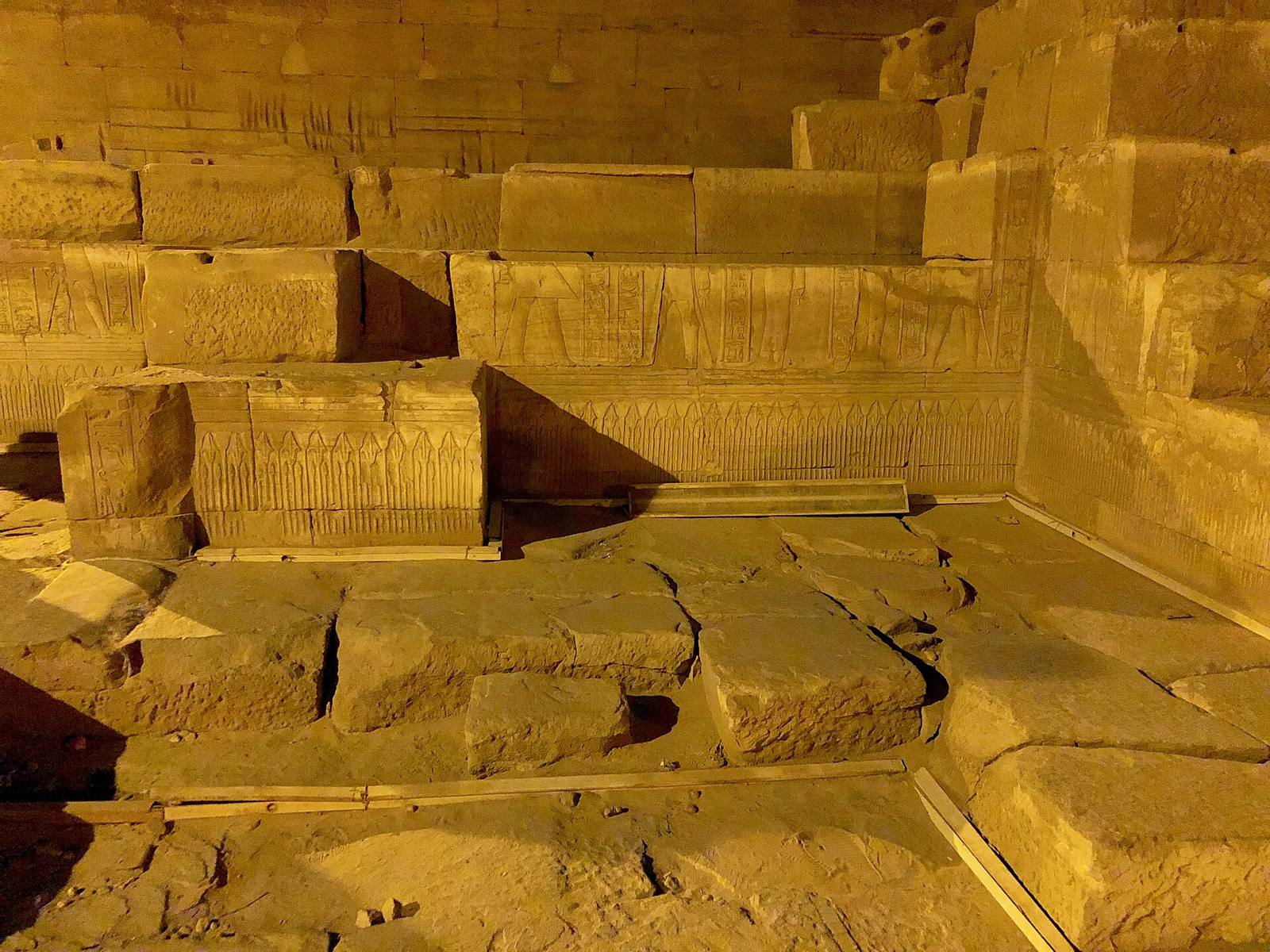 Centuries of weathering, chips and biological growth: the kind of accumulated history that's nearly impossible to fake convincingly by hand, and trivial to capture. Scan it, then delight it so you can relight it in your scene.
Delighting: removing the baked-in light
A raw scan has the capture-day lighting baked into its colour: shadows and highlights frozen in the texture. "Delighting" removes that so the albedo is flat, letting your engine light the asset correctly. Skip it and the asset carries wrong shadows into every scene.
The subtlest but most important step is delighting. Your scan's colour texture includes the lighting from the day you shot it, soft shadows in crevices and highlights on ridges, baked right into the albedo. Drop that into a scene lit differently and it looks wrong, because it's carrying someone else's lighting. Even overcast capture leaves some; hard light leaves a lot, which is why you shoot flat. Delighting neutralises the texture to a flat albedo so your engine's lighting takes over correctly. Do it, and the asset relights believably anywhere; skip it, and it always looks subtly off, with shadows that don't match the scene.
Where scanning beats modelling
Organic, weathered, irregular real-world surfaces, such as rock, bark, ground, ruins and worn props, are where hand-modelling every crack is slow and scanning takes minutes. It's weak for clean man-made or fantastical objects, which are faster and more controllable by hand.
Be honest about fit and it's a genuine strength. Scanning wins decisively on organic and weathered surfaces: cliffs, boulders, tree bark, forest floor, aged stone, worn tools, where the value is accumulated irregular detail that's brutal to model and trivial to photograph. It's the wrong tool for clean, precise, man-made objects (a modern chair) or anything fantastical that doesn't exist to photograph. Those are faster and more art-directable by hand. Use scanning for the messy real world and modelling for the designed and the imaginary. Once a scan is retopologised, baked and delighted, it's an ordinary game asset, ready to scatter, blend and place with engine-native, instanced tools like Numivo, indistinguishable downstream from a hand-built mesh.
Field numbers worth stealing
- Shoot with 60–80% overlap between photos, from every angle
- Light: flat/overcast, since hard sun bakes shadows you'll fight in delighting
- The raw scan is a source, not the asset. Retopologise to a clean low mesh
- Bake the scan's detail into normal maps on the low mesh for realism at game cost
- Delight the albedo so the engine can relight it: skip it and it looks wrong
Mini-FAQ
Can a phone really match a DSLR for scanning? For most environment surfaces in 2026, yes. Coverage, focus and even light matter far more than the sensor. A carefully-shot phone capture beats a sloppy DSLR one. Gear helps at the extreme high end; technique wins everywhere else.
Do I need a turntable or special rig? For small props, a turntable and even lighting help a lot; for big subjects (a cliff), you just walk around them. The non-negotiables are overlap, sharpness and flat light, not a specific rig.
Why does my scanned asset look flat or wrong in-engine? Usually un-delighted albedo (baked-in shadows fighting your lighting) or a bad retopo. Delight the texture and rebuild the low-poly mesh cleanly, and it should relight correctly.
Is scanning faster than modelling? For organic, detailed real-world surfaces, dramatically so, but budget the cleanup (retopo, bake, delight), which is real work. The net is still a big win for the right subjects. It's not "free 3D": it's a fast detailed source you finish properly.
Photogrammetry in 2026 puts a scanning studio in your pocket, but a scan is a starting point, not a finish line. Shoot with coverage and flat light, retopologise to a clean mesh, bake the detail down, and delight the textures, and you'll turn a phone full of photos into hero assets that carry all the messy truth of the real world at a cost your game can actually afford.