In short: A "smart material" is texturing that adapts itself to whatever mesh you apply it to, putting wear on the edges, dirt in the crevices, and rust where water would pool, automatically, because it reads the shape of the model. Combined with procedural generation, it turns texturing from painting-every-pixel into building reusable, tweakable material systems.
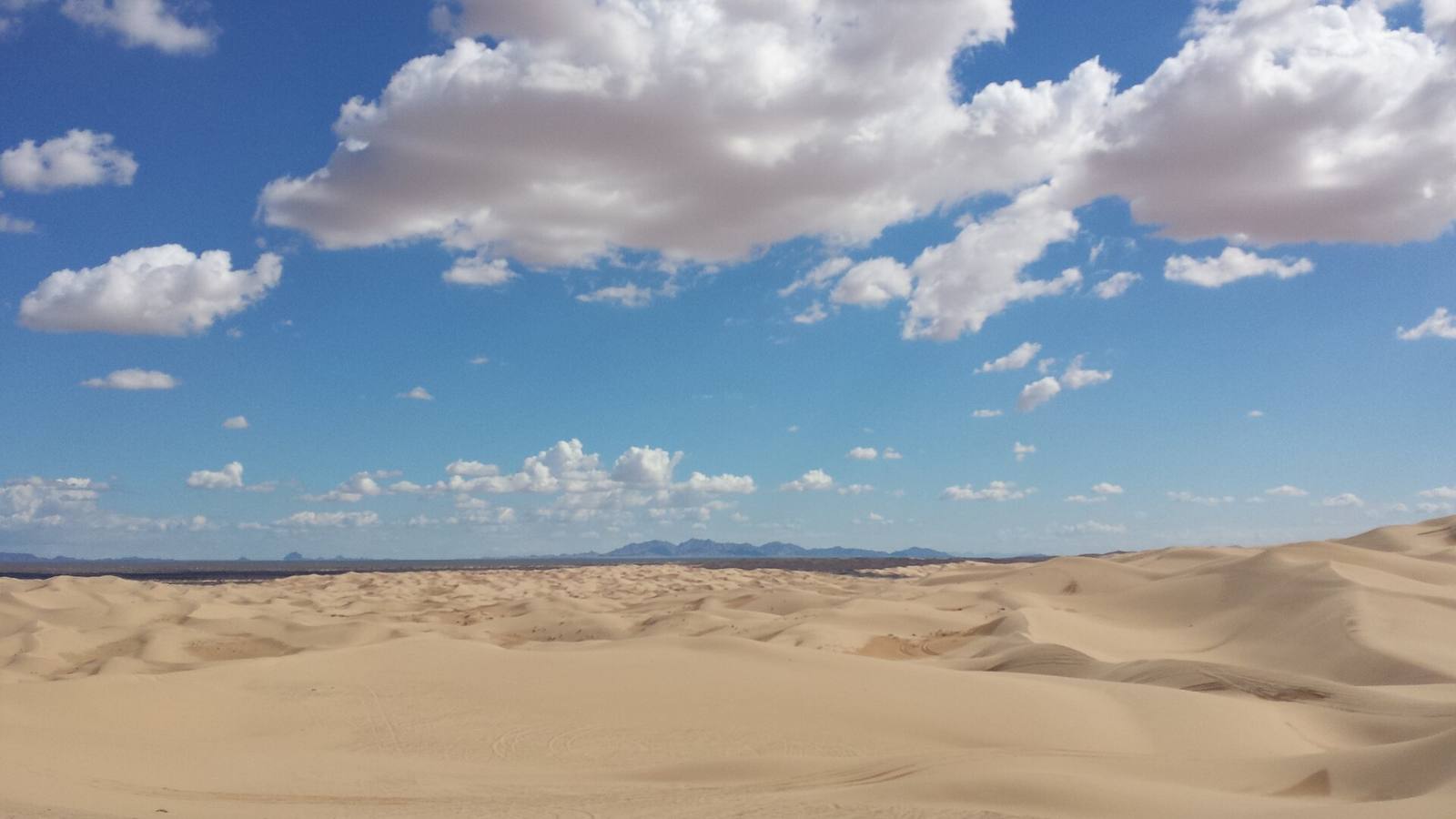 Nature textures procedurally: wind builds these ripples by rule, not by hand. Smart materials work the same way: you author the rules for how a surface wears and weathers, and they apply themselves to any shape.
What makes a material "smart"
A smart material reads the mesh's shape (its edges, cavities, curvature, height) and places wear, dirt, and detail accordingly, automatically. Apply the same smart material to a different model and it adapts, putting the scuffs where that model's edges are.
An ordinary texture is fixed pixels; a smart material is a set of rules. It knows "scratches go on exposed edges," "dirt collects in recesses," "rust forms where water sits," and it applies those rules to whatever mesh it's on by reading the model's geometry. Drop it on a crate and the crate's corners wear; drop it on a pipe and the pipe's low points rust. That adaptivity is the whole idea: you author how a surface ages, once, and it re-derives the right result per model. It's the difference between painting one object and building a material that textures a whole category of objects.
Mesh maps: the engine of automatic detail
Smart materials are driven by 'mesh maps' baked from the model: curvature (where edges are), ambient occlusion (where cavities are), position, normal, thickness. These maps tell the material where the shape's features are, so it can place wear and grime correctly.
The magic runs on mesh maps, a set of textures baked from the model that describe its shape: curvature (convex edges vs concave cracks), ambient occlusion (deep recesses), position/world-space gradients, normals, thickness. A smart material reads these to answer "where are the edges?" (put scratches there) and "where are the cavities?" (put dirt there). Bake good mesh maps and your smart materials snap into place correctly; bake bad ones (or none) and the automatic wear lands in the wrong spots. Mesh maps are the un-glamorous foundation: get them right first, and the smart materials do what they promise.
Building a reusable material library
Invest in a library of parametric smart materials, such as worn metal, painted wood, wet concrete, or rusted steel, each with exposed controls (wear amount, dirt level, colour). Then texturing a new asset is applying and tuning, not starting from scratch every time.
The payoff scales when you stop making one-off textures and start building a library. A well-made smart material, say "painted metal," exposes sliders for how worn, how dirty, what colour, how glossy. Build a shelf of these covering your project's common surfaces (metals, woods, concretes, fabrics, ground), and texturing a new asset becomes: apply the base material, tune two or three sliders, add a hand touch where it matters. That's minutes instead of hours, and, crucially, it keeps a project's surfaces consistent, because everything derives from the same rules. The library is the compounding investment; each material you build pays off on every asset that uses it.
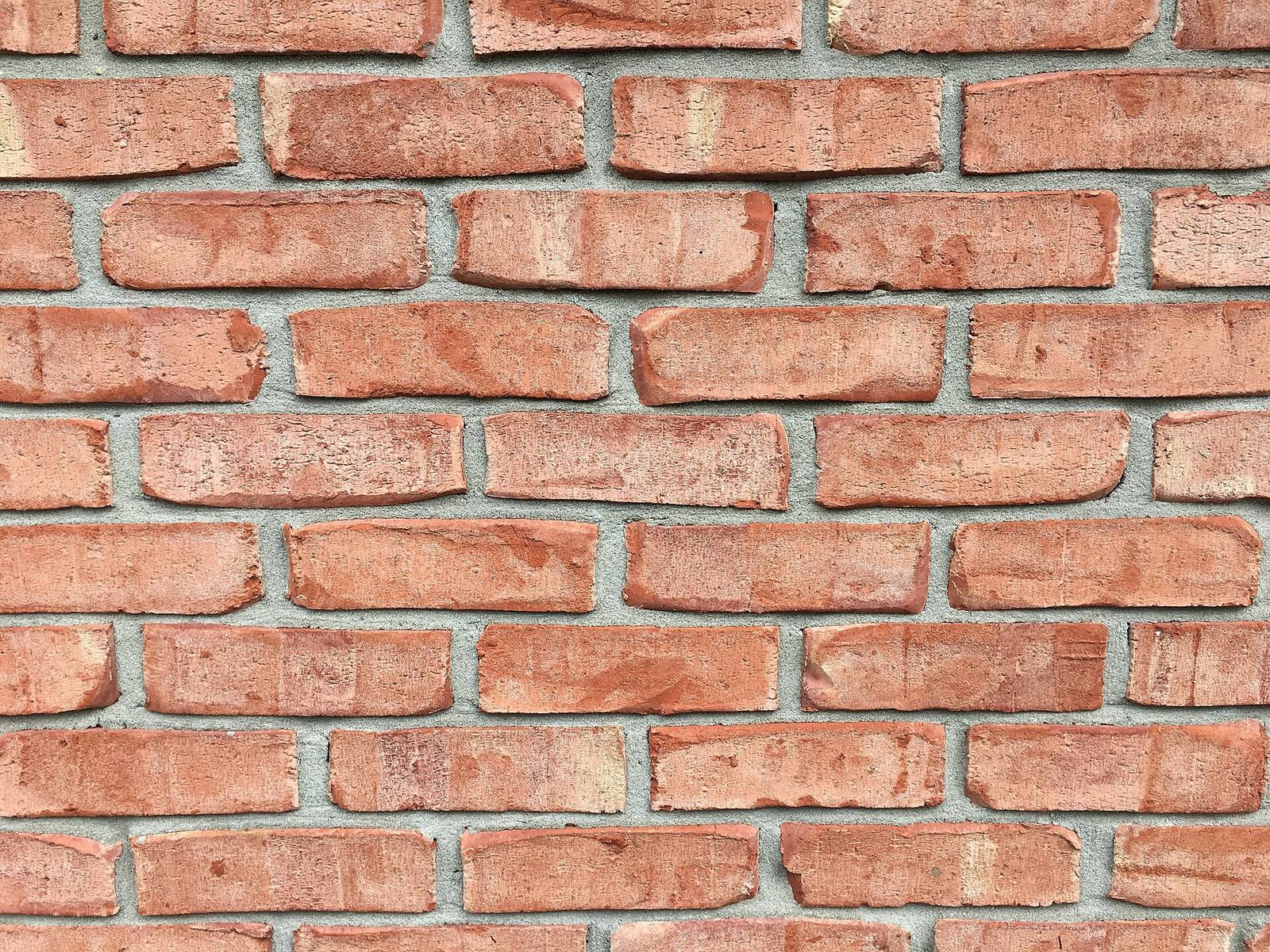 Tiling base + procedural variation + edge/crevice wear: a brick wall is exactly the layered, rule-driven texturing smart materials automate. No two bricks identical, none hand-painted.
Procedural vs. hand-painting
Procedural and smart materials own the bulk: consistent wear, dirt, and base surfaces across many assets, fast and adjustable. Hand-painting owns the specific and the story, a particular scorch mark, a logo, the one detail that tells a scene. Use both; they layer.
Procedural and hand-painting aren't opposites here; think of it as procedural then hand-painting. Smart materials handle the systematic 80%: the believable base surface, the edge-wear, the general grime, applied consistently and adjusted globally. Hand-painting adds the specific 20% that carries meaning: the exact scorch where the explosion hit, the graffiti tag, the blood, the brand: the details a rule can't author because they're about this object's story. The strongest texturing stacks a smart-material base with hand-painted intent on top. Reach for procedural to cover ground fast and stay consistent; reach for the brush where a specific human detail matters.
Where it fits the 2026 pipeline
Procedural texturing is now the default for environment surfaces because it's fast, consistent, non-destructive, and easy to iterate when art direction shifts. Master mesh maps and a smart-material library, and you texture more assets, more consistently, with far less rework.
In 2026 procedural texturing is simply how most environment surfaces get made, because it's fast, consistent, and non-destructive: change the base material and every asset using it updates. The skills that matter are baking clean mesh maps and building a solid smart-material library tuned to your project; get those, and you'll texture at a pace and consistency hand-painting can't match, while keeping the option to paint the details that count. And because these materials export as standard texture maps, the finished asset drops into the engine like any other, ready to scatter, blend, and place with instanced tools like Numivo, its consistent texel density and wear reading correctly across the whole scene.
Field numbers worth stealing
- A smart material reads the mesh and places wear/dirt by rule, adapting per model
- It runs on mesh maps (curvature, ambient occlusion, position, normal, thickness); bake these first
- Build a library of parametric materials with exposed controls: apply-and-tune, don't restart
- Split the work: procedural for the bulk, hand-paint the story details
- Consistency win: shared materials keep a whole project's surfaces coherent
Mini-FAQ
Do smart materials replace texture artists? No, they change what texture artists do, from painting every pixel to authoring and directing material systems and adding the meaningful hand details. The taste and the storytelling are still human; the grunt work is automated.
Why does my smart material put wear in the wrong places? Almost always bad or missing mesh maps. Re-bake clean curvature and ambient-occlusion maps from a good high/low, and the automatic wear will land where the geometry actually has edges and cavities.
Tiling textures or unique-baked for environments? Both: tiling for large repeating surfaces (walls, ground), unique-baked with smart materials for hero and modular pieces. Most environments mix them; smart materials help keep both consistent.
Is procedural texturing overkill for a solo indie? No, it's arguably more valuable solo, because a small material library lets one person texture a whole game consistently and fast. Build a handful of smart materials for your common surfaces and reuse them everywhere.
Smart materials turn texturing from a per-pixel chore into a per-rule system: author how surfaces age once, and let them apply themselves across your whole project. Bake clean mesh maps, build a reusable library, and reserve the brush for the details that tell a story, and you'll texture faster, more consistently, and with room left for the human touches that make a surface belong to a place.