In short: A huge share of players are on modest hardware, laptops, handhelds like the Steam Deck, older GPUs, and an environment that only runs on a high-end rig leaves them out. The good news: most environment performance is lost in a few predictable places (overdraw, draw calls, dense foliage, oversized textures) and reclaimed with a few disciplined habits.
 This is the most expensive kind of scene to run: layers of transparent leaves, thousands of instances, heavy overdraw. It's also where the biggest, easiest wins live once you know where the frame time is going.
Set a budget first, in milliseconds
Pick a target frame time on your weakest supported hardware, 16.6 ms for 60 fps, 33.3 ms for 30, and treat it as a hard limit. "Optimize later" means "rebuild later"; budgeting up front is far cheaper.
Optimization without a number is just vibes. Decide the frame you're aiming for on your floor hardware, the Steam Deck, a mid laptop, whatever your minimum spec is, and convert it to milliseconds, because milliseconds add up and percentages lie. Then hold every scene to it as you build, not at the end. The teams that ship smooth on low-end don't optimize harder; they simply never let a scene blow the budget in the first place, which is a fraction of the cost of clawing performance back after the art is finished and everything depends on it.
Know where the time goes
Environment frame time is usually eaten by overdraw (transparent foliage), too many draw calls (unbatched objects), oversized textures (memory bandwidth), and expensive lighting/shadows. Profile to find YOUR bottleneck before optimizing blind.
Guessing at optimizations wastes days. Open a profiler, find whether you're CPU-bound (usually draw calls) or GPU-bound (usually overdraw, shading, or bandwidth), and attack the actual bottleneck. That said, environments fail in predictable ways, and it's almost always one of: overdraw from layered transparent foliage; draw calls from thousands of un-instanced objects; texture memory/bandwidth from oversized or too-many textures; and lighting/shadow cost from too many dynamic lights or high-res shadow maps. The rest of this playbook works through those in order of usual impact.
Foliage and overdraw: the usual villain
Transparent foliage cards overlap and re-shade the same pixels many times: that's overdraw, and it's the number-one low-end killer. Reduce leaf card overlap, use aggressive LODs, and cull distant foliage hard.
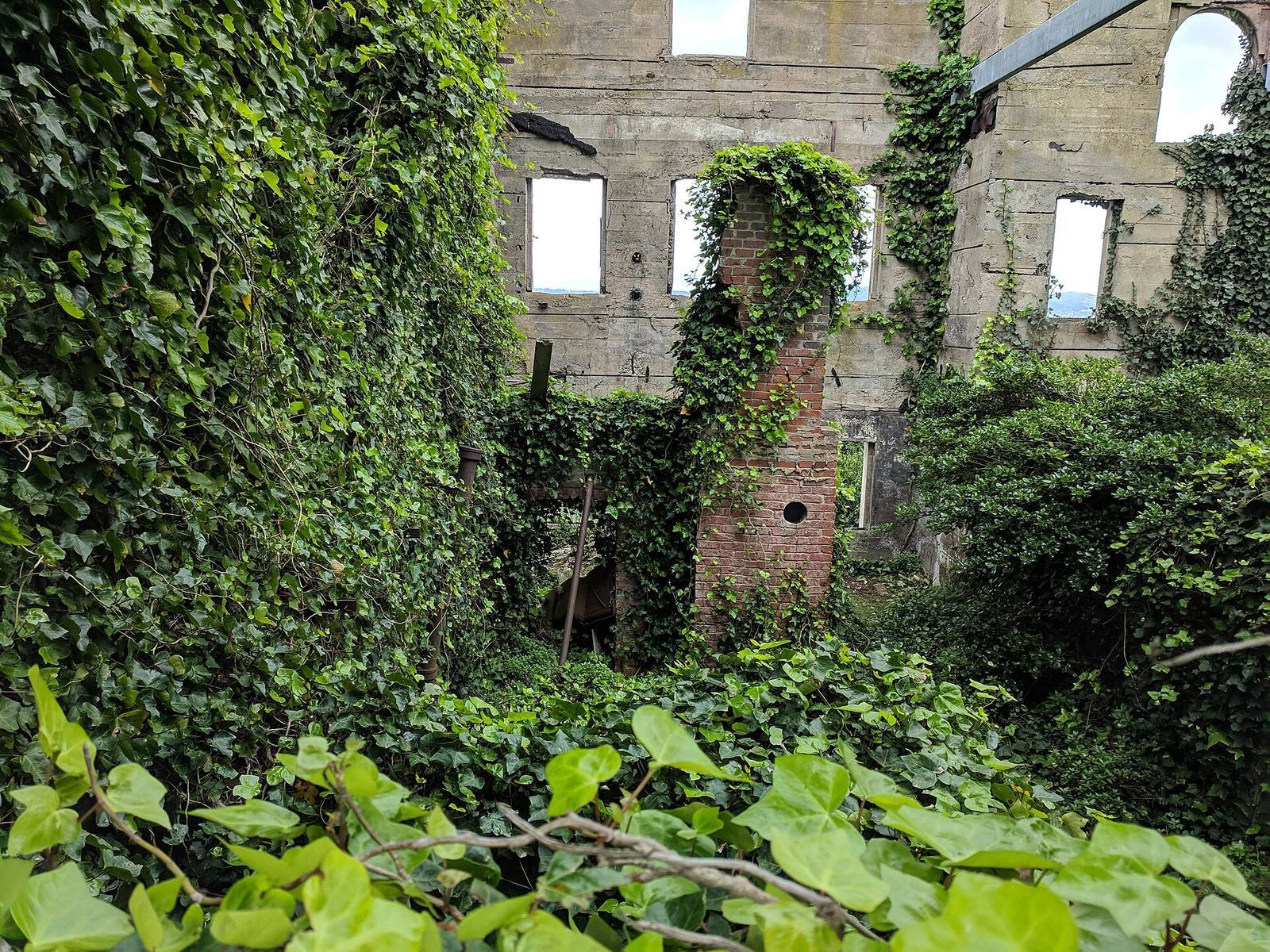
Dense vegetation is where most low-end frame budgets die, because each semi-transparent leaf card forces the GPU to shade pixels it will then draw over again, sometimes ten-plus times per pixel in a thick canopy. The fixes: use tighter leaf cards with less wasted transparent area, drop to cheaper LODs quickly as foliage recedes, and set hard cull distances so distant grass and bushes simply stop drawing. On a handheld, the difference between "grass to the horizon" and "grass culled at a sensible distance" can be the whole difference between 25 and 40 fps. Bake foliage to native instances so the GPU can batch it, and let the engine's instancing do the heavy lifting.
Draw calls and instancing
Every unique object submitted separately is a draw call, and thousands of them stall the CPU. Instance repeated meshes so hundreds of copies cost one call; merge static clutter where it makes sense.
If you're CPU-bound, draw calls are usually why. Each distinct thing you ask the engine to render carries overhead, and a scene hand-placed with a thousand individual rocks and bushes drowns the CPU in submission cost. Instancing is the cure: repeated meshes drawn as instances collapse hundreds of copies into a single call, which is exactly why scattering tools that bake to native engine instances matter for performance: the scatter that looks like a thousand plants costs like a handful. Where instancing doesn't apply, merging small static clutter into combined meshes cuts call count too. This is one place a workflow like Numivo's (paint density, then bake to plain instanced meshes) pays off directly on weak hardware, because the output is the cheap thing the GPU wants.
 Not every scene has to be maximally dense. Quiet, open spaces cost almost nothing and give both the hardware and the player a rest: pacing your density is itself an optimization.
LODs, cull distances and texture sizes
Give every significant mesh LODs so distant copies are cheap, set cull distances so tiny-on-screen objects stop drawing, and cap texture resolution to what the camera resolves at distance. These three reclaim a lot for little effort.
Three unglamorous habits carry most of the remaining budget. LODs: distant meshes should swap to lower-poly versions, because full detail on a 20-pixel tree is wasted. Cull distances: anything too small on screen to notice should stop rendering entirely, small props, pebbles, fine grass, tuned per object type. Texture sizes: cap resolution to what's actually resolvable at the player's distance (see the texel-density logic: distant things need far fewer texels), because oversized textures burn memory bandwidth that low-end GPUs can't spare. None of these hurt the look when tuned right; they just stop you paying for detail nobody sees.
Find regressions with fixed cameras
Define a few "budget cameras," your worst vista, densest combat space, busiest interior, and check their frame time every build. Random flythroughs hide regressions; the same brutal views every time expose them.
Performance rots quietly as content is added, and you won't catch it wandering the level casually. Instead, pin down your handful of worst views, the dense forest overlook, the crowded market, the effect-heavy fight, and measure exactly those, every build, against the budget. When a number goes red, you know a recent change caused it, and roughly where. This is the difference between a team that discovers a performance crisis at the end and one that fixes a 2 ms regression the day it appears. On low-end targets, make one of those cameras run on the actual Steam Deck or minimum-spec machine, not just an editor estimate.
Field numbers worth stealing
- Frame budgets: 16.6 ms (60 fps) / 33.3 ms (30 fps), set on your floor hardware
- The usual low-end killer, foliage overdraw: tighter cards, fast LODs, hard cull
- Repeated meshes → instances: hundreds of copies for one draw call
- Cap texture size to camera-resolvable detail: distant needs far fewer texels
- Catch regressions with fixed budget cameras, measured every build
Mini-FAQ
Do I have to choose between good-looking and low-end? Less than you'd think. Most low-end cost is waste, overdraw, unbatched calls, oversized textures, not visible quality. Cut the waste and the art survives; players on weak hardware rarely miss the detail you were paying for but they couldn't see.
Is dynamic lighting off-limits on Steam Deck? Not off-limits, but budgeted. Limit the number of dynamic lights and shadow casters, lean on baked lighting where the scene is static, and reserve dynamic cost for where it matters. It's a budget line, not a ban.
What single change helps most on a handheld? Usually taming foliage: tighter leaf cards, aggressive LODs and hard cull distances on grass and bushes. Overdraw is the most common handheld bottleneck, and vegetation is where the overdraw lives.
How early should I test on the target hardware? From the first vertical slice. An editor estimate on a powerful dev machine hides exactly the problems the handheld will have. Get a build on the actual minimum-spec device early and keep it in the loop.
Running on a potato isn't about making your game ugly. It's about not paying for detail players can't see. Budget in milliseconds, kill the overdraw, instance the repeats, cull the invisible, and watch your worst cameras every build, and your environment will look great and run for the huge audience that isn't on a high-end rig.