In short: Dense vegetation is rarely limited by triangle count alone. Draw calls, alpha overdraw, shadows, poor culling, late LODs, and uniform density usually consume the frame first. Optimize in that order, measure from fixed cameras, and change one variable at a time so every improvement has a clear profiler signature.
 A real forest renders "for free" because physics is massively parallel. Your GPU can fake the look at 60 fps, but only if you stop defeating the machinery engines already ship for exactly this job.
The mental model: five bottlenecks, one order
Vegetation performance isn't one problem, it's five, and they dominate in a predictable sequence. Draw calls bind the CPU first; cull distance decides how much you're even asking the GPU to draw; shadows silently double the cost of everything that casts them; LODs and overdraw govern the per-pixel bill; and density placement decides how much of all of that you actually needed. Attack them out of order and you'll optimize something that wasn't the bottleneck. The order below is the order the costs actually bite.
Instancing first, everything else second
One tree drawn 5,000 times is radically cheaper than 5,000 individual trees. Both engines batch repeated meshes into instanced draws, and your first job is simply not to defeat that machinery.
Unreal batches through foliage and hierarchical instanced static meshes; Unity through GPU instancing and terrain details. What silently breaks the batching:
- vegetation placed as unique actors/objects instead of instances;
- per-instance material variants: use per-instance data (color, scale) inside one material instead of authoring a material per look;
- placement scattered organizationally so the engine can't cull clusters as units.
The profiler tell is unambiguous: draw calls scaling with plant count. If a forest view shows thousands of draw calls, fix this before touching anything else. Nothing further down this list will save you, because you're CPU-bound before the GPU even starts. Healthy instanced vegetation holds draw calls in the low hundreds for an entire forest view, regardless of how many thousands of plants are in it.
Cull distances are free money
Grass does not need to render 800 meters away. Set per-type cull distances (ground cover 30–60 m, bushes 100–200 m, only trees earn long distances) with fade ranges to hide the pop.
This is the highest value-per-minute setting in the entire pipeline, and it's routinely left at "infinite" because it defaults there and nobody notices. The reasoning is perceptual: ground cover subtends less than a pixel long before 100 m, so it contributes literally nothing to the final image while still costing vertices, overdraw and shadow work every frame. Distant coverage belongs to cheaper systems: the terrain material's color, opaque impostors, or simply the far LOD of the terrain layer painted the right green.
Fade ranges (dithered or alpha) hide the pop-out so players never see the cull distance itself. Tune the fade to be just long enough to be invisible and no longer: an over-long fade means you're paying for two representations of the same plant during the crossfade.
Shadows: the silent half of the bill
Turn dynamic shadow casting OFF for small ground cover, keep it for trees, and distance-limit it for bushes. Grass shadows double your cost for near-zero visual gain.
Every grass blade in the shadow pass is drawn again, from the light's point of view. In dense scenes the shadow pass often costs as much as the base pass, which means grass shadows can be the single largest line item in the whole vegetation budget while being visually indistinguishable from a simple ambient darkening at the base of the clump. The fix is almost free: shadow-casting off for ground cover, on for trees (their shadows do real compositional work), distance-limited for the in-between. Then check the shadow pass in your profiler before and after: it's usually the biggest single win after instancing, and it takes minutes.
LODs: budget the silhouette, not the polygons
A good vegetation LOD chain preserves the outline and slashes the interior. Verify transition distances by eye, and optimize hardest the last mesh LOD before impostor, because that's the one on screen in every wide shot.
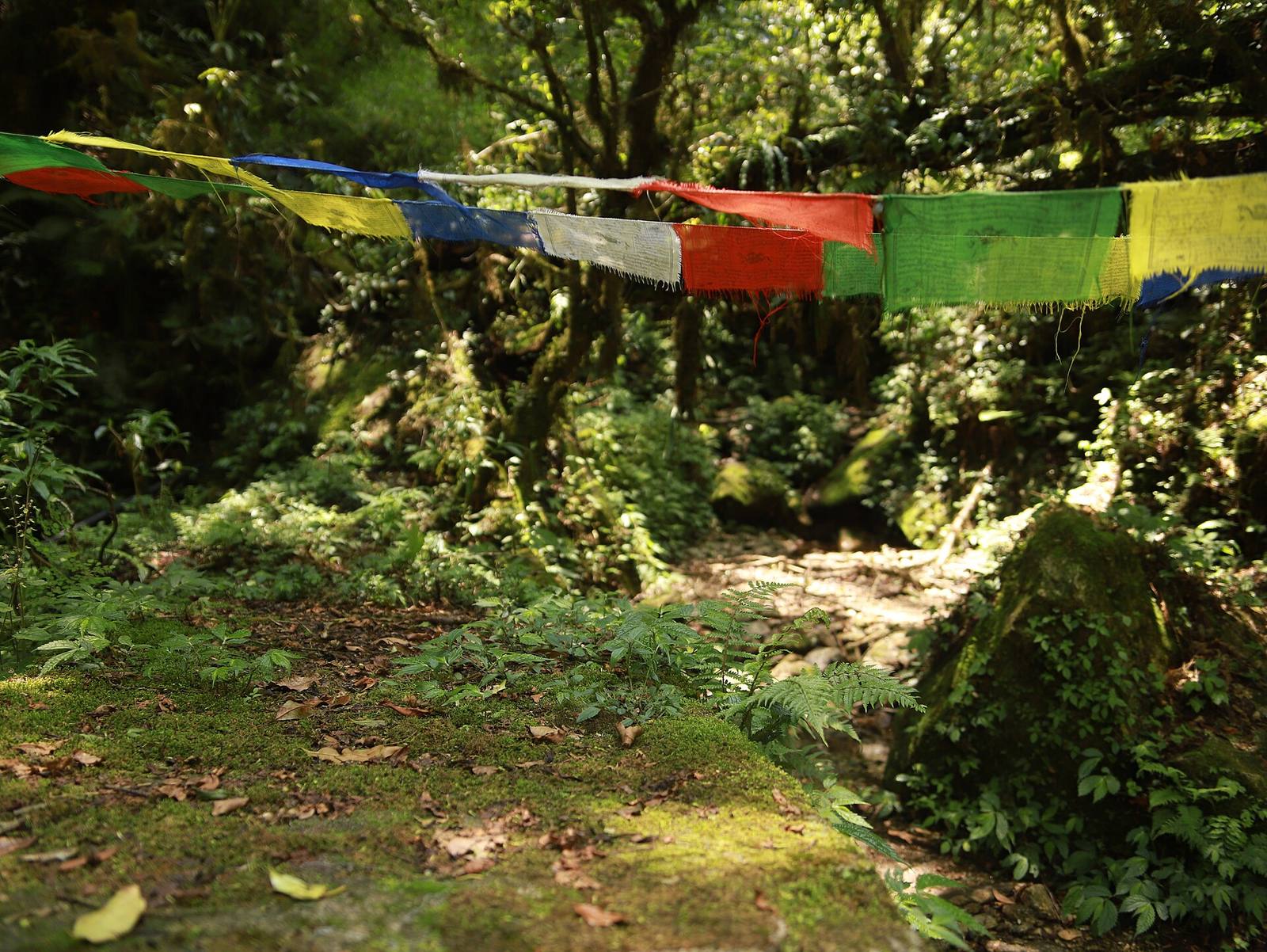 Ground-layer plants like these are where cull distance and shadow settings pay off most: thousands of instances, each contributing almost nothing past a few dozen meters, each doubling in cost if it casts a dynamic shadow.
A practical chain for a hero tree: full mesh → ~50 % interior reduction (same silhouette) → ~15 % with merged cards → opaque impostor/billboard. Two notes that save real pain:
- Even in engines with virtualized geometry, distant impostors remain worth it, because overdraw and shadows stay real costs regardless of how triangles are paid for. Virtualized geometry solves triangle count, not transparency cost.
- Transparency is the enemy at distance. Dense alpha-tested cards stack overdraw exactly where the GPU is weakest: the middle LODs. Prefer mesh leaves up close and opaque impostors far away; the alpha-heavy middle is where frame time hides. If one LOD is mysteriously expensive, it's almost always the transparent one.
Overdraw: the cost you can't see
Overdraw is the GPU shading the same pixel multiple times through stacked transparent surfaces. It's vegetation's specific curse, invisible in the final image, and often the reason a "light" scene is slow.
Most engines have an overdraw visualization mode; turn it on and look at a grass field. If it glows white, you're shading each pixel five or ten times as overlapping alpha cards pile up. Mitigations: fewer, larger blades instead of many thin ones; opaque geometry where the silhouette allows it; and aggressive culling of the cards that contribute least. Overdraw is the classic "my scene is slow but nothing looks expensive" culprit, because the triangles are cheap and the pixels are being paid for many times over.
Density is a design decision, not a slider position
Dense where the player walks and looks, sparse where they don't: a 20 m band of rich detail along the path reads as "lush everywhere" at a fraction of uniform cost.
Slope and height masks do part of this automatically (steep faces and distant plateaus don't need ground cover at all), and clustering does the rest: clumps with gaps render cheaper than uniform fill and look more natural, so the performance win and the beauty win point the same direction. This is where placement tooling earns its keep: painting density with masks and per-species rules, then baking straight to engine-native instances, is the difference between an afternoon and a week. It's the core of what Numivo's scatter does, and because it bakes to plain foliage and instanced meshes, every technique in this article applies unchanged to the result. There's no plugin runtime between you and the standard optimizations; the baked scene is just engine content.
The profiling loop
Same camera, same view, one variable at a time: measure GPU frame time, draw calls, the shadow pass and overdraw after every change.
Pick a fixed "budget camera" in your densest vista and screenshot the stats before and after each step above. The discipline matters because vegetation optimizations interact: a cull-distance change alters how many instances the shadow pass sees; an LOD change alters overdraw; a density change alters all of them at once. Random flythroughs produce random numbers and unfalsifiable arguments about whether a change helped. Fixed cameras produce decisions you can defend. Keep the numbers in a shared sheet and the trend line tells you the story a single measurement can't.
Field numbers worth stealing
- Ground cover cull: 30–60 m · bushes: 100–200 m · trees: sightline
- Draw calls for a healthy instanced forest view: low hundreds
- Shadow pass share in dense scenes: often ~half the vegetation cost, and grass shadows off is the cheapest big win there is
- Path-band dressing width that reads "lush everywhere": ~20 m
- LOD count for a hero tree: 3 mesh LODs + opaque impostor
- Overdraw target for grass: fewer than ~3× in the overdraw view, not the glowing-white 8–10× of stacked alpha cards
Mini-FAQ
Does Nanite / virtualized geometry make this obsolete? It changes which lines dominate, not the discipline. Overdraw from alpha cards, shadow cost and per-instance overhead all remain, and impostors at distance still pay. Measure on your target hardware rather than assuming the new tech solved your specific bottleneck, because it may have moved it, not removed it.
Why is my scene slow even at low density? Usual suspects, in order: grass casting dynamic shadows, a unique material per variant defeating batching, cull distances at infinite, or an alpha-tested LOD chain stacking overdraw. Each has a distinct profiler signature; check before changing, or you'll fix the wrong one.
How dense is "too dense" for gameplay? Combat readability caps density before performance does: if silhouettes vanish into the clutter, players blame the game, not the dressing. Dense in the vista, moderate in the arena is the pattern that survives both the profiler and the playtest.
Should I bake or keep it procedural? Bake for shipping, since baked instances profile honestly and ship with no runtime dependency. Keep the procedural setup (masks, rules, seeds) in source control so you can re-bake after a terrain change without redoing the work by hand.
Dense-looking and fast is not a contradiction. It's mostly the discipline of doing five things in the right order and proving each one with the same camera.