In short: A practical environment budget sets frame-time and memory limits before production, then measures them from fixed worst-case cameras throughout development. Budget milliseconds instead of relying on polygon counts, reserve headroom, split costs by system, and address regressions early. That turns optimization from a late crisis into a routine part of art production.
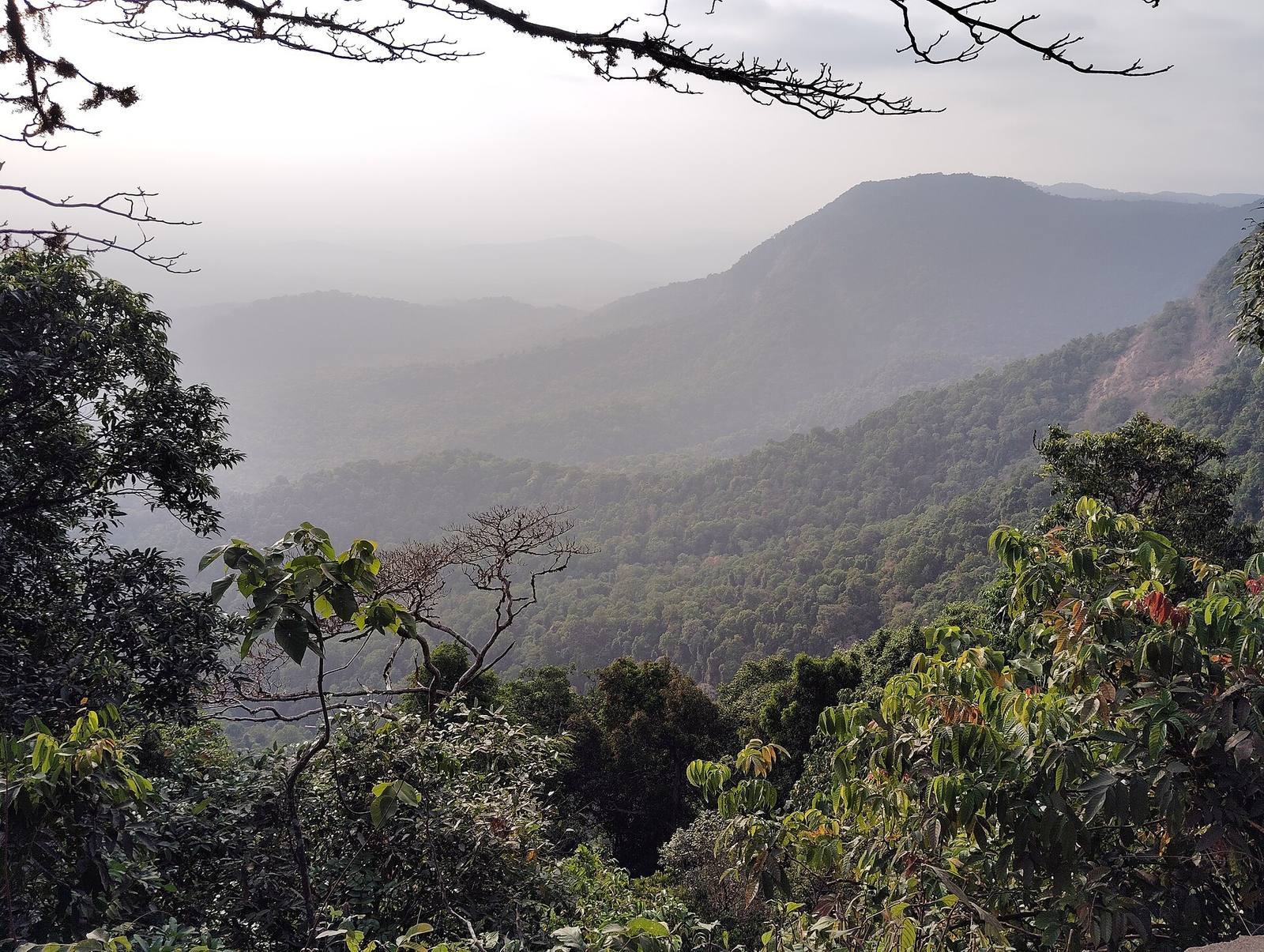 The vista is always the bill: maximum draw distance, every system on screen at once, every LOD ring active. Budget for this view: the corridor takes care of itself.
Budget frame time, not polygons
Polygon budgets are a relic. Modern GPUs choke on draw calls, overdraw, shadows and memory bandwidth long before raw triangles. Budget what you actually measure: milliseconds per system, per view.
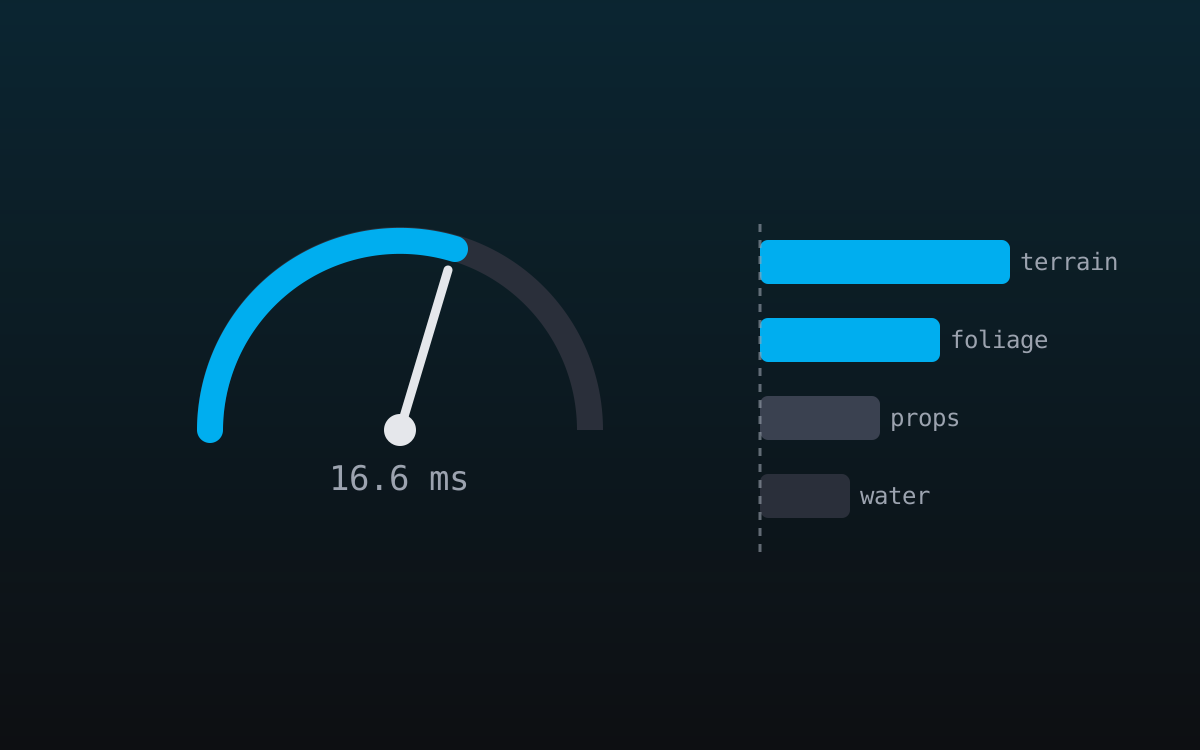
A 60 fps game owns 16.6 ms per frame; at 30 fps, 33.3 ms. That is the whole budget, shared by everything: gameplay, physics, AI, VFX, UI and environment. The environment's slice is a negotiation with rendering and gameplay, but it must be a number, agreed and written, or every discussion about whether a scene is "too expensive" collapses into taste and seniority. Alongside frame time, give ceilings to the quantities that bind it:
- draw calls per view (they bind the CPU long before the GPU tops out),
- texture and mesh memory per streaming zone (the number that decides whether you stream or stutter),
- shadow-casting lights in view,
- overdraw hotspots (vegetation and VFX are the usual suspects).
The exact ceilings depend on platform and engine; the discipline of having ceilings is what transfers to every project you'll ever ship. A number you can be wrong about beats a vibe you can only argue about.
Split the frame like a pie, in milliseconds
Give every department a slice: gameplay, VFX, UI, environment, then divide the environment slice again: terrain, vegetation, props, water. "Is this forest too expensive?" becomes an objective question.
A workable starting split for a 60 fps title, to be renegotiated per project: environment total 6–8 ms, of which terrain ~1.5, vegetation ~2–2.5, props and structures ~1.5, water and atmosphere ~1. The point isn't these exact numbers; what matters is that when the forest measures 4 ms against a 2.5 ms slice, the conversation becomes "which lever do we pull" instead of "whose fault is it."
Slices also protect against over-optimization, which is a real and expensive failure. A system sitting well under its slice is an invitation to spend the headroom on quality, not a trophy to defend. Teams without slices tend to optimize whatever the loudest engineer noticed, which is rarely the actual bottleneck; the pie chart tells you where the milliseconds really went.
Measure at three fixed cameras
Budget for the worst realistic view, not the average. Pick three fixed "budget cameras" per map (worst vista, densest combat space, busiest interior) and measure exactly there, every time.
Random flythroughs produce random numbers and unfalsifiable arguments. Fixed cameras produce trend lines: the same view, measured weekly, shows exactly when and where a regression landed and who to ask about it. The worst vista deserves the starring role because it stacks everything at once, maximum draw distance, every LOD ring, terrain, water and sky simultaneously. A map that holds budget at its vista holds it nearly everywhere; corridors flatter you, and vistas tell the truth.
Save the camera positions in the map so anyone can reproduce the exact shot. "It runs fine on my machine at some angle" is not data; "budget camera 2 measures 9.2 ms on min-spec, up from 7.8 last week" is a bug report with a suspect.
Make the budget visible where work happens
A budget in a wiki is dead. It lives as stat overlays during set dressing, a check against ceilings before content merges, and warnings when a bake would blow past the instance count.
Artists hit budgets happily when the feedback is immediate, and resent them when they arrive as a bug ticket three months after the work shipped. The tooling side matters here in a quiet but decisive way: when scatter and blending bake to engine-native primitives, ordinary instanced meshes and foliage, as Numivo does, your existing profiler tells the unvarnished truth about them, with no plugin runtime muddying the numbers, and every standard lever (cull distances, LODs, instance counts) applies unchanged. A budget you can only measure through a black box is a budget you'll quietly stop trusting.
The review cadence that sticks
Weekly captures of the three budget cameras (five minutes), an automated ceiling check on content merges, and a monthly review of the ceilings themselves. Budgets are estimates, and honest revision beats silent violation.
- Weekly: screenshot the three cameras with stats on; log frame time and memory into a shared sheet. Trends appear within a month, and a spike points at a specific week's work.
- On merge: an automated check compares the scene against ceilings. Red numbers open a conversation, not a build break. The goal is awareness, not bureaucracy, and a hard block trains people to game the check.
- Monthly: revisit the slices themselves. Mid-project reality always differs from pre-production guesses; adjusting the budget openly keeps it credible. A budget everyone quietly ignores is worse than none, because it teaches the team that ceilings are theater.
When the numbers go red
Pull levers in cost-effectiveness order: cull distances and shadow settings first (minutes, huge wins), then LODs and impostors, then instance counts, and only last the art itself.
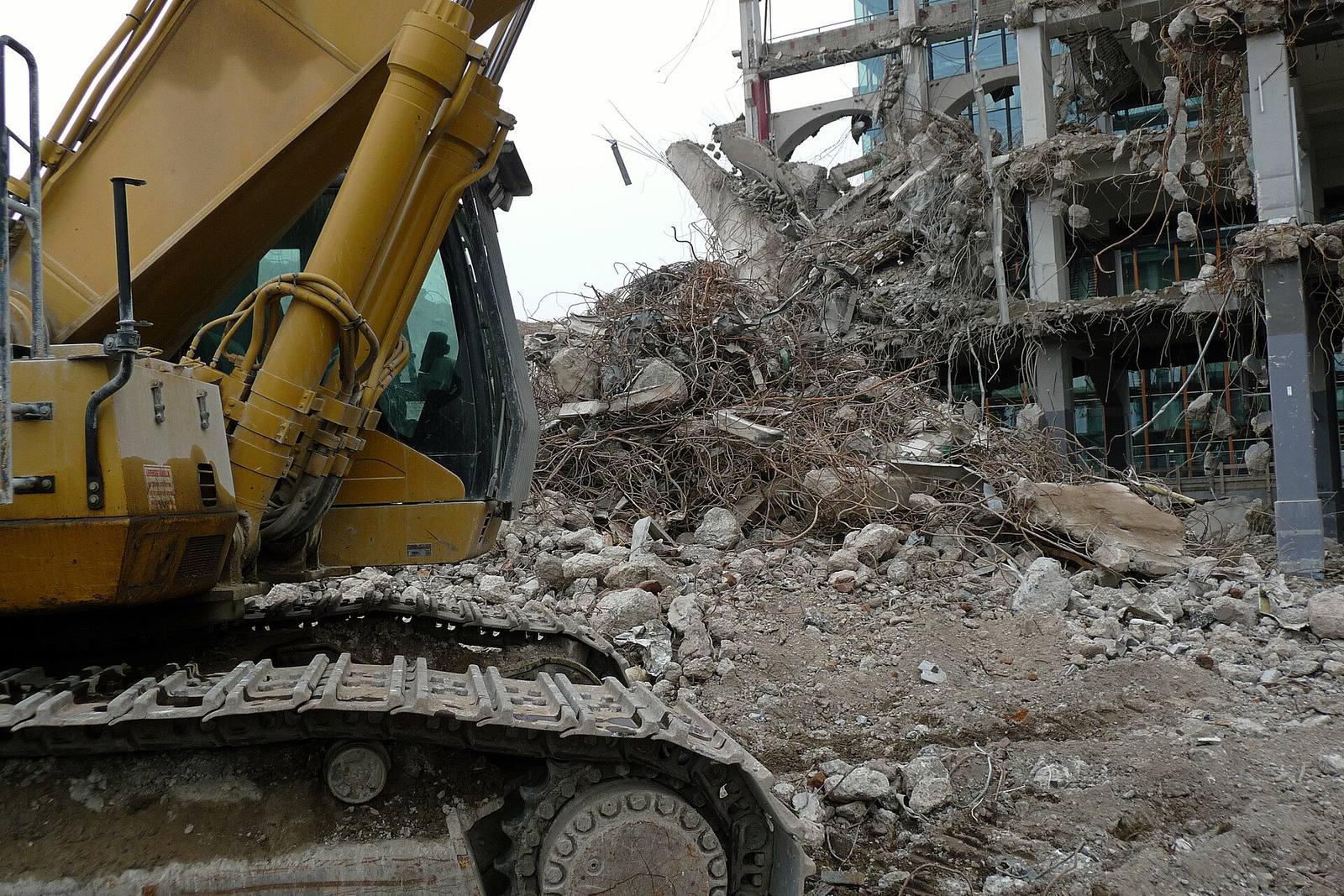 Optimization is triage, not demolition. Tear down the art last: most over-budget vistas come back green from invisible settings changes long before you have to delete anything a player can see.
The expensive mistake is jumping straight to "delete half the trees." Density is the most visible lever and usually not the cheapest. A vista over budget by 2 ms typically comes back green from shadow-distance and cull-distance tuning alone, both invisible to players. Deleting content is the last resort precisely because it's the only lever players can see; every rung above it on the ladder is free from an art standpoint. Work down the ladder and you preserve the look while recovering the milliseconds; work up from the bottom and you make the game uglier before you've tried the free wins.
Field numbers worth stealing
- Frame at 60 fps: 16.6 ms; environments typically negotiate 6–8 ms
- A workable environment sub-split: terrain 1.5 / vegetation 2–2.5 / props 1.5 / water & atmosphere 1 (ms)
- Budget cameras per map: 3 (vista, combat, interior), saved in the map
- Weekly measurement cost: ~5 minutes; value: trend lines instead of arguments
- Lever order when red: culling → shadows → LODs → instances → art
Mini-FAQ
Who owns the environment budget? One named person, usually a tech artist, owns the measurement; the ceilings are owned jointly with rendering. Budgets without an owner decay into folklore within a month, because "everyone's responsible" means no one measures.
How do budgets work with dynamic time-of-day? Measure the worst lighting condition at each camera, not the prettiest. Dawn with long raking shadows is often double the cost of noon; a budget that only holds at noon is half a budget, and players will find the expensive hour.
Do I need all this for a small indie project? Scale it down, not away. One budget camera, one ceiling (frame time on your minimum-spec machine), checked weekly. The five-minute habit is what saves the last month. Regardless of team size, the failure mode is identical: discovering the cost when it's expensive to fix.
What about memory versus frame time? They're different budgets with different failure modes: frame time drops your FPS, memory drops your streaming into stutters or crashes. Budget both; on console, memory is often the harder ceiling, and it's the one that fails certification rather than just feeling bad.
The budget isn't a limit on artistry. It's the reason the beautiful scene still looks beautiful at 60 fps on the hardware players actually own. Teams that treat performance as a shared design constraint ship prettier games than teams that treat it as a final boss.