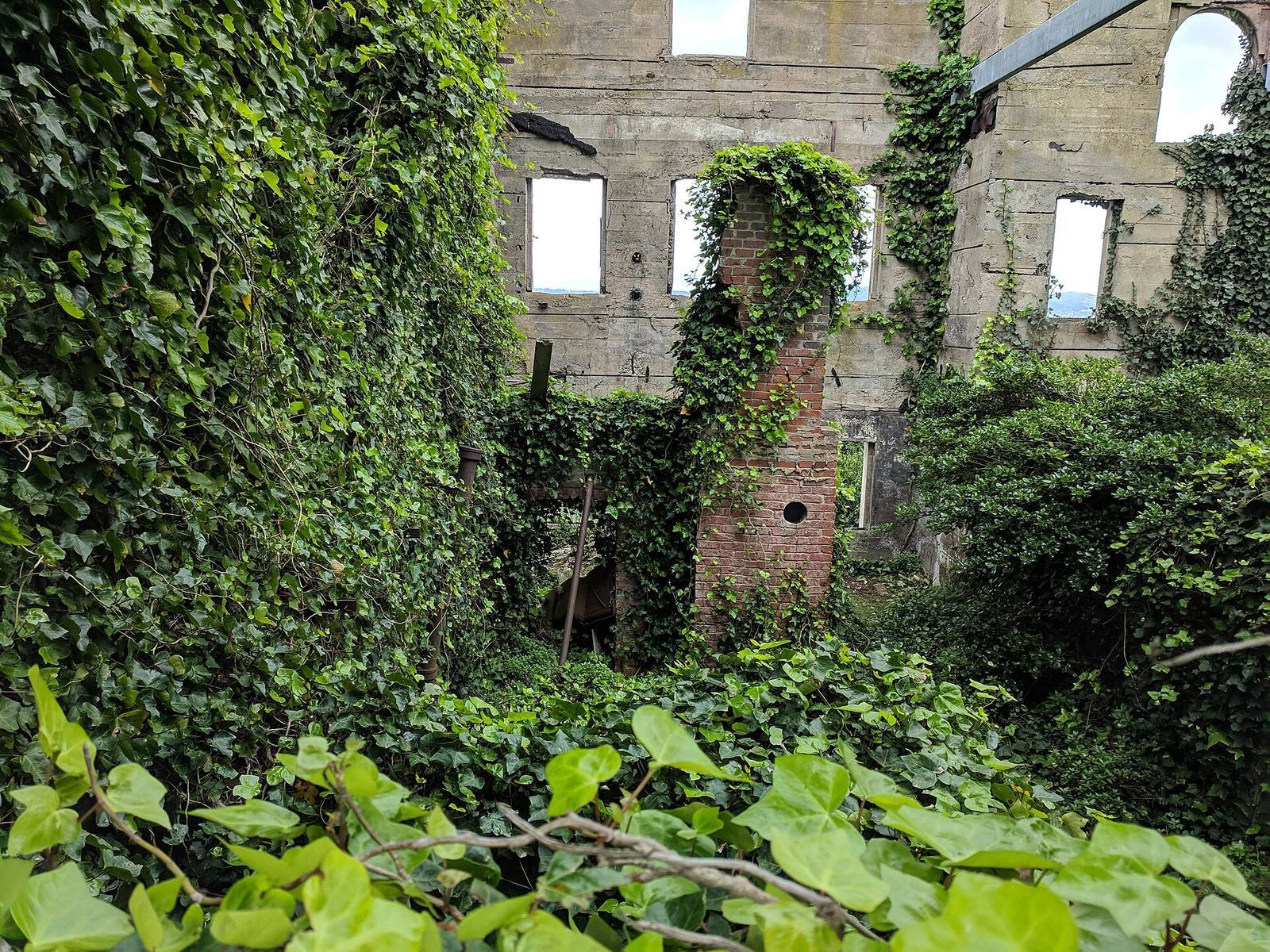
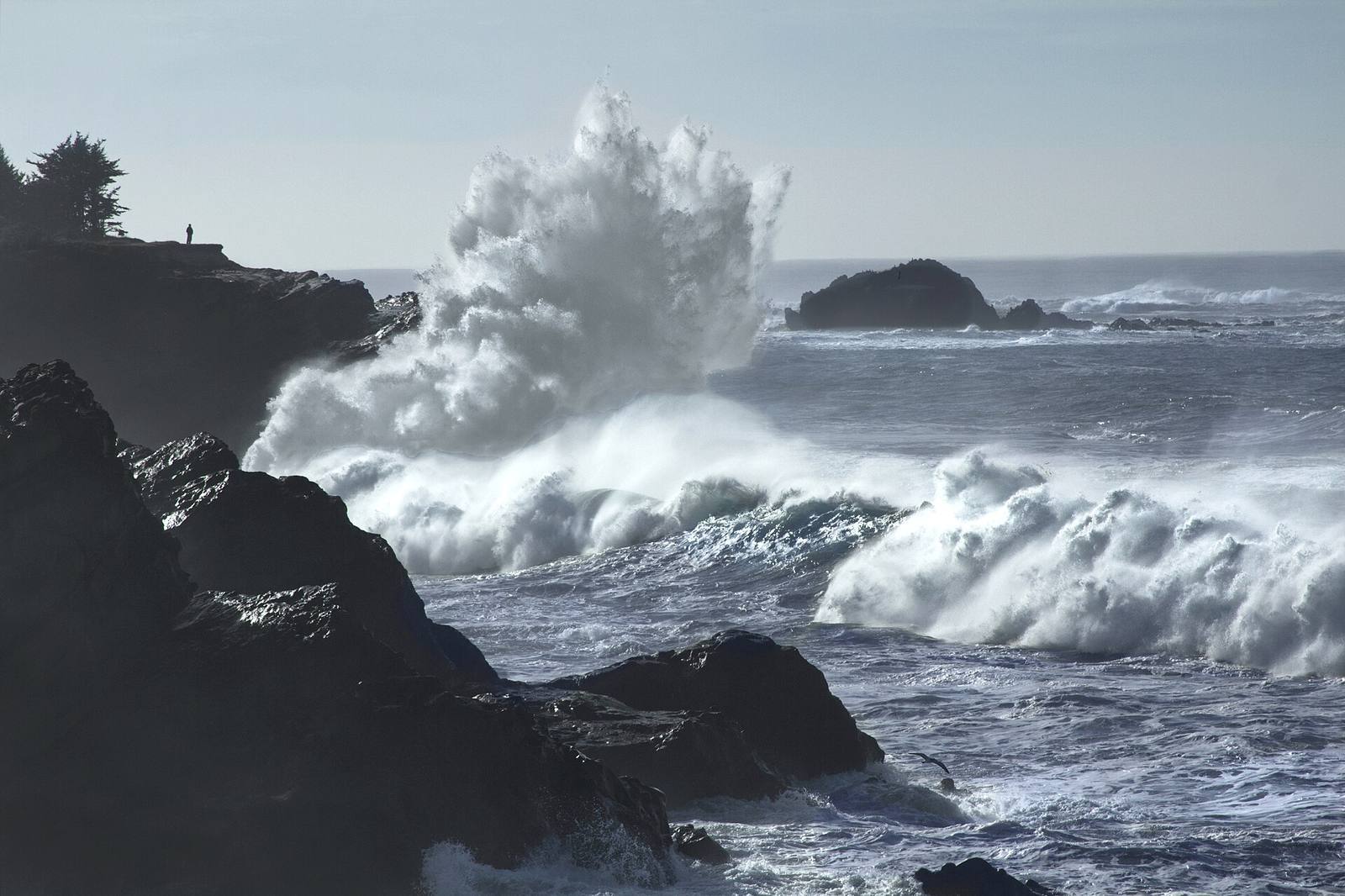
In short: For environment art specifically, Unreal Engine 5 gives you the highest out-of-the-box visual ceiling, thanks to Nanite, Lumen, and a mature landscape toolset, while Unity gives you a lighter, more predictable, more scriptable pipeline that scales down to mobile and up to respectable fidelity with more manual work.
 The same vista is buildable in either engine. The difference is how much of this look you get by default, how much you hand-tune, and what it costs you in frame time and licensing when the credits roll.
First, the honest framing
The engine rarely decides whether your environment looks good; your composition, scale discipline, and set-dressing do. Both engines ship AAA games. Pick for pipeline fit and team familiarity, not for a feature checklist.
It's worth saying plainly, because the internet turns this into a sports rivalry: a skilled environment artist makes beautiful worlds in either engine, and a weak blockout looks weak in both. What follows is a comparison of where each engine removes friction, not a verdict on which makes prettier pictures. The right question is never "which is better"; it's "which one gets out of my way for the kind of environment my team is building."
Terrain and landscapes
UE5's built-in landscape system (sculpting, layers, splines, World Partition streaming) is more complete out of the box; Unity's terrain is serviceable but most serious projects reach for a paid asset or a custom solution.
Unreal treats large outdoor worlds as a first-class citizen: the landscape actor, layer-based material blending, spline tools for roads and rivers, and World Partition to stream a huge map in cells without hand-managing sublevels. Unity's built-in terrain covers the basics: heightmap sculpting, a few texture layers, tree and detail painting, but teams building sprawling open worlds frequently replace or heavily augment it. The gap has narrowed with each Unity release, yet the pattern holds: Unreal gives you more landscape for free, Unity expects you to assemble your stack. If your game is a big open environment, that head start matters; if it's a series of hand-built interiors, it barely registers.
Foliage and scattering
Both scatter vegetation onto surfaces with painting and rules; UE5's foliage renders enormous counts cheaply thanks to Nanite and hardware instancing, while Unity leans on GPU instancing and, increasingly, paid tools.
Dense forests are where fidelity meets frame budget. Unreal's foliage tools plus Nanite let you push polygon counts that used to require aggressive LODs, and its instancing keeps huge scatters affordable. Unity renders instanced foliage well too, but hitting the same density with the same smoothness is more of an assembly job: SpeedTree integration, custom LOD setups, GPU-instanced detail layers. Whichever engine you're in, the discipline is identical: paint density with masks, respect a per-view budget, and bake to native instances rather than leaving a live system running every frame. That workflow of density masks, per-species rules, then a bake to plain engine instances, is exactly what Numivo does in both engines, precisely so the foliage stops being an engine-specific headache.
Lighting
UE5's Lumen gives convincing dynamic global illumination with almost no setup, which is a huge time-saver; Unity offers strong baked lighting plus real-time GI options, but matching Lumen's "it just looks lit" default takes more configuration.
Lighting is where UE5's out-of-the-box advantage is most visible to a beginner. Drop a sky and a sun, enable Lumen, and interiors bounce light believably with no lightmap bake. Unity can reach beautiful results: its baked global illumination is excellent and battle-tested for mobile and mid-range hardware, but "beautiful" there is a destination you configure toward, not a default you start from. The trade is control and cost: Lumen's convenience carries a real runtime price (see performance), while Unity's baked path costs you bake time and flexibility but runs cheap on modest hardware. Neither is strictly better; they optimize for different targets.
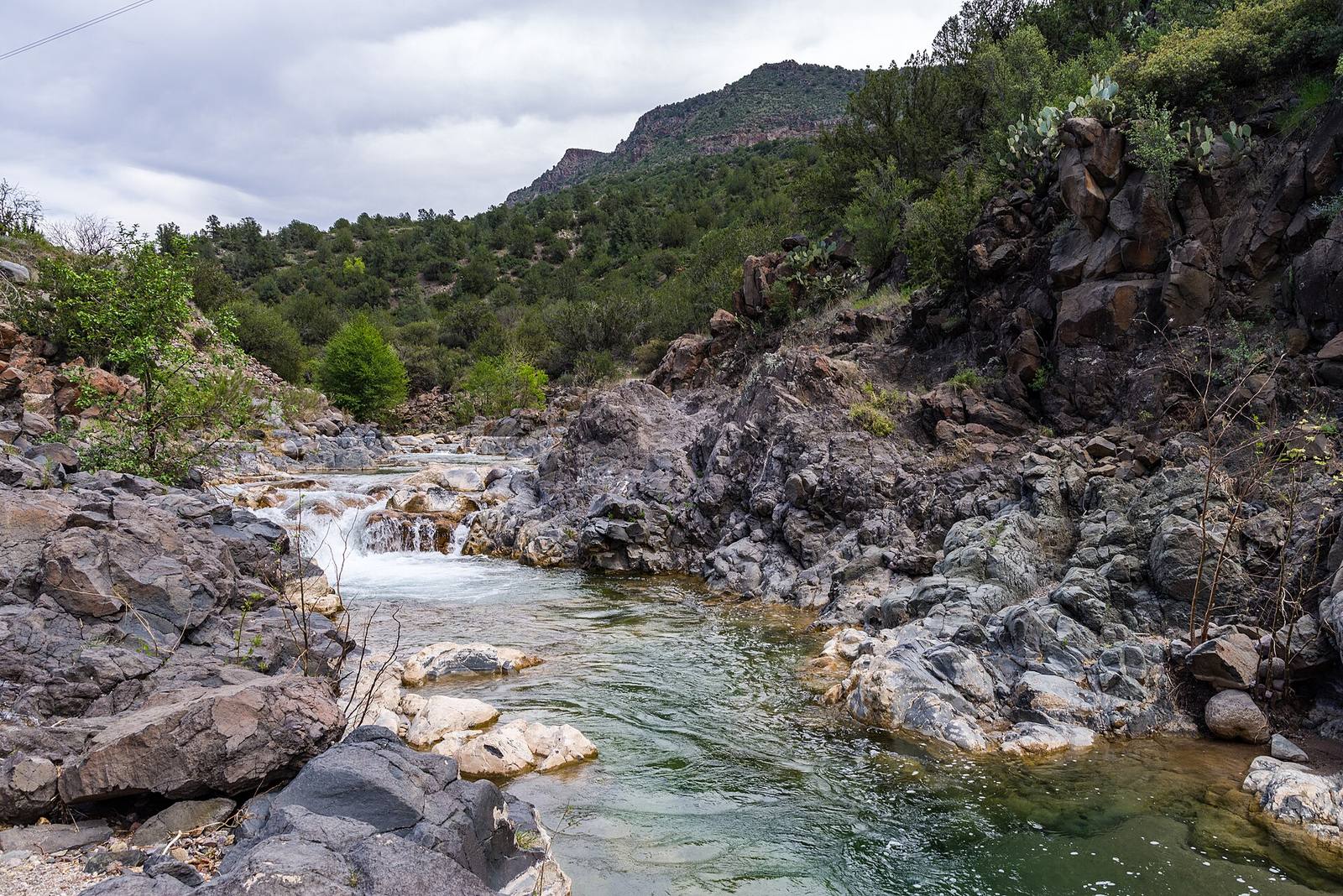 Terrain, water, foliage and light all meeting in one shot: the exact intersection where an engine's defaults either save you days or cost you them. Build this scene in both and you'll feel each engine's grain.
Materials and shaders
Both use node-based shader editors (UE Material Editor, Unity Shader Graph) and both are excellent; UE's is deeper and more standardized, Unity's is lighter and more approachable, with more render-pipeline caveats (Built-in vs URP vs HDRP).
Unreal's material system is a single, deep, well-documented standard: one mental model that scales from a mobile shader to a film-grade layered material. Unity's Shader Graph is genuinely pleasant and fast to learn, but you carry an extra decision: which render pipeline (Built-in, URP, HDRP) you target, since materials and features differ across them and porting between them is real work. For an environment artist, this means Unity asks one more up-front question that Unreal doesn't, and getting it wrong is a costly mid-project migration.
Performance and hardware targets
Unity scales down to low-end and mobile more gracefully; UE5's headline features (Nanite, Lumen) look stunning but assume a capable GPU, and hitting a low frame budget in UE5 means understanding what to turn off.
This is the dimension that quietly decides many projects. If you're shipping to phones, the Switch, or a broad low-end PC audience, Unity's lighter footprint and mature mobile pipeline are a genuine advantage. UE5 can hit those targets too, but its most attractive features are also its most expensive, and a naïve "everything on" UE5 scene will not fit a modest budget. The honest summary: Unity makes cheap easier; Unreal makes gorgeous easier. Whichever you pick, the same rule saves you: measure the three worst views against a fixed millisecond budget early, and bake heavy systems down to static instances so the runtime pays as little as possible.
Licensing and cost
Both are free to start; the money question is royalties and seat fees at scale, and both companies have changed terms recently, so read the current agreement yourself before you commit a studio to either.
Licensing terms shift, and any specific number here would be stale by the time you read it, so treat this as a checklist rather than a quote: check the current royalty threshold and rate, per-seat or revenue-based fees, and what triggers a paid tier for your studio size and revenue. Both engines are free to download and learn on. The decision that actually costs money arrives at scale, and it's a contract question for whoever runs the business, not a feature you can compare in the editor. Put it in front of that person before art production ramps, not after.
Learning curve and hiring
Unity is generally faster to get productive in and has a larger pool of tutorials and junior talent; UE5 has a steeper initial climb but a very high ceiling and strong demand in AAA and virtual production.
For a solo dev or a small team, Unity's gentler on-ramp and enormous learning ecosystem get you making things sooner. UE5 asks more of you early: its conventions, Blueprints, and the sheer surface area take longer to internalize, but rewards that investment with a higher fidelity ceiling and skills that map directly onto AAA and film/virtual-production pipelines. Hiring cuts both ways: Unity has more available generalists; Unreal environment specialists are in strong demand and shorter supply.
The decision at a glance
| Dimension | Unreal Engine 5 | Unity |
|---|---|---|
| Big outdoor terrain | Built-in, streaming-ready | Basic; often augmented |
| Dense foliage | Very cheap at scale (Nanite/instancing) | Good, more assembly |
| Lighting default | Lumen "just works" | Beautiful, more setup |
| Materials | One deep standard | Great, but pipeline choice matters |
| Low-end / mobile | Possible, needs care | Native strength |
| Learning curve | Steeper, high ceiling | Gentler, huge ecosystem |
| Best fit | AAA-looking worlds, big vistas | Broad platforms, lighter pipelines |
Field numbers worth stealing
- Time to a lit interior from scratch: minutes in UE5 with Lumen, longer in Unity (bake or GI setup), but Unity's result runs cheaper
- Render-pipeline decision Unity forces up front: Built-in vs URP vs HDRP; choose before production, migrating later is real cost
- The number that outranks the engine: your frame budget in ms; set it first, in either engine
- Portability truth: environment assets (meshes, textures) port easily; lighting and materials do not, so budget for rework if you switch
Mini-FAQ
I only care about which looks better, which is it? At the top end, neither; both ship photoreal games. UE5 gets you a high-fidelity default faster, which reads as "better" to a beginner, but a skilled Unity artist closes the gap. Looks are decided by art direction, not engine choice.
I'm a solo dev making my first environment. Which should I start with? Unity, usually: the faster on-ramp and larger tutorial pool mean you finish something, and finishing is the whole skill early on. Move to UE5 later if you're targeting AAA-style fidelity.
Can I move my environment from one engine to the other? The assets, yes: meshes and textures are portable. The scene is not: lighting, materials, foliage systems and terrain are engine-specific and effectively rebuilt. Plan a switch as a port, not a copy.
Does it matter which engine for my portfolio? Match the studios you're targeting. AAA and virtual-production leans Unreal; mobile, indie and a lot of mid-size studios lean Unity. A strong environment in either beats a weak one in the "right" engine every time.
Pick the engine that fits your platform, your team's fluency, and your business's licensing, then spend your real energy on composition, scale and set dressing, because that's what players actually see. The tools that make foliage and grids behave the same in both engines exist precisely so the choice matters a little less than the internet says it does.