In short: Retopology and UV unwrapping used to be hours of tedious manual work per asset. In 2026, automatic tools do a genuinely good job on many models, but "many" is not "all," and trusting the button on the wrong asset costs you more than doing it by hand.
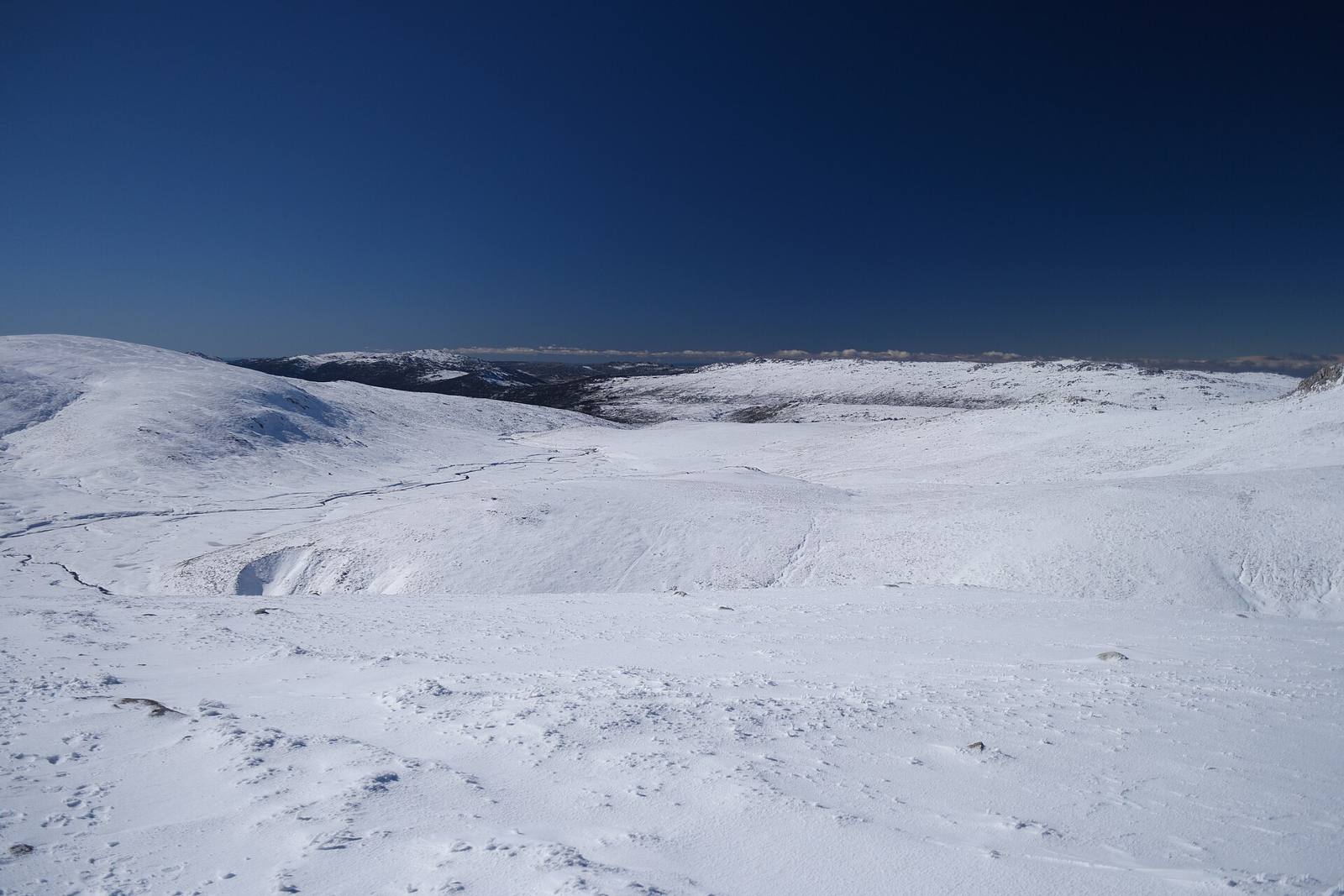 Static, organic, non-deforming forms like rock and terrain are where automatic retopology shines: the tools produce a clean, efficient mesh in seconds where the silhouette is all that matters and there's no animation to respect.
How good has it actually got?
It's very good for static organic assets: scanned rocks, terrain, props, sculpted environment pieces. Auto-retopo produces clean, efficient meshes in seconds, and auto-UV gives usable layouts for most non-hero surfaces. For the right asset, it's a real hours-saved win.
The honest 2026 assessment: automatic retopology has become genuinely useful, not just a gimmick. Point it at a static organic asset, a scanned boulder, a sculpted cliff, a prop, and it returns a clean, evenly-distributed, efficient mesh in seconds that would have taken you an hour by hand. Auto-UV, likewise, produces sensible, usable unwraps for most environment surfaces where you don't need pixel-perfect seam control. For the large category of "static things where the silhouette is what matters," these tools legitimately save real time and are worth reaching for first.
Where it saves hours
Scanned assets, environment props, rocks, terrain, background clutter are where it saves the most: high-volume static geometry where hand-retopo is pure tedium and the mesh just needs to be clean and efficient. Automate the bulk and spend your hours on the assets that need care.
The biggest wins are in volume. A photogrammetry pipeline produces dense scans that all need retopo, and automating that is transformative. A level needs hundreds of background props, rocks and clutter meshes that just have to be clean and cheap, so auto-retopo and auto-UV chew through them while you focus elsewhere. The principle is the same as everywhere in this craft: automate the systematic bulk, reserve human effort for what needs judgement. If an asset is static, seen at a normal distance, and doesn't animate, the button is very likely the right first move, and often the last.
Where it still fails
Deforming characters (edge flow around joints and face must be deliberate), hard-surface with crisp mechanical edges, and anything needing precise UV seam placement are where it still fails. Auto tools don't understand animation intent or a texture artist's seam plan, so those still need hands.
Know the failure zones, because trusting automation there hurts. Deforming characters need topology that flows correctly around elbows, knees and the face so they deform cleanly when animated. Auto-retopo doesn't understand how the mesh will move, so faces and joints still want hand-authored edge loops. Hard-surface models with crisp mechanical edges and bevels need controlled topology that automatic tools tend to soften or muddle. And UV seams placed for a texture artist's plan (hidden in crevices, respecting tiling) require intent an auto-unwrap can't infer. These are the assets where "just hit the button" produces a mesh that technically exists but fights you downstream.
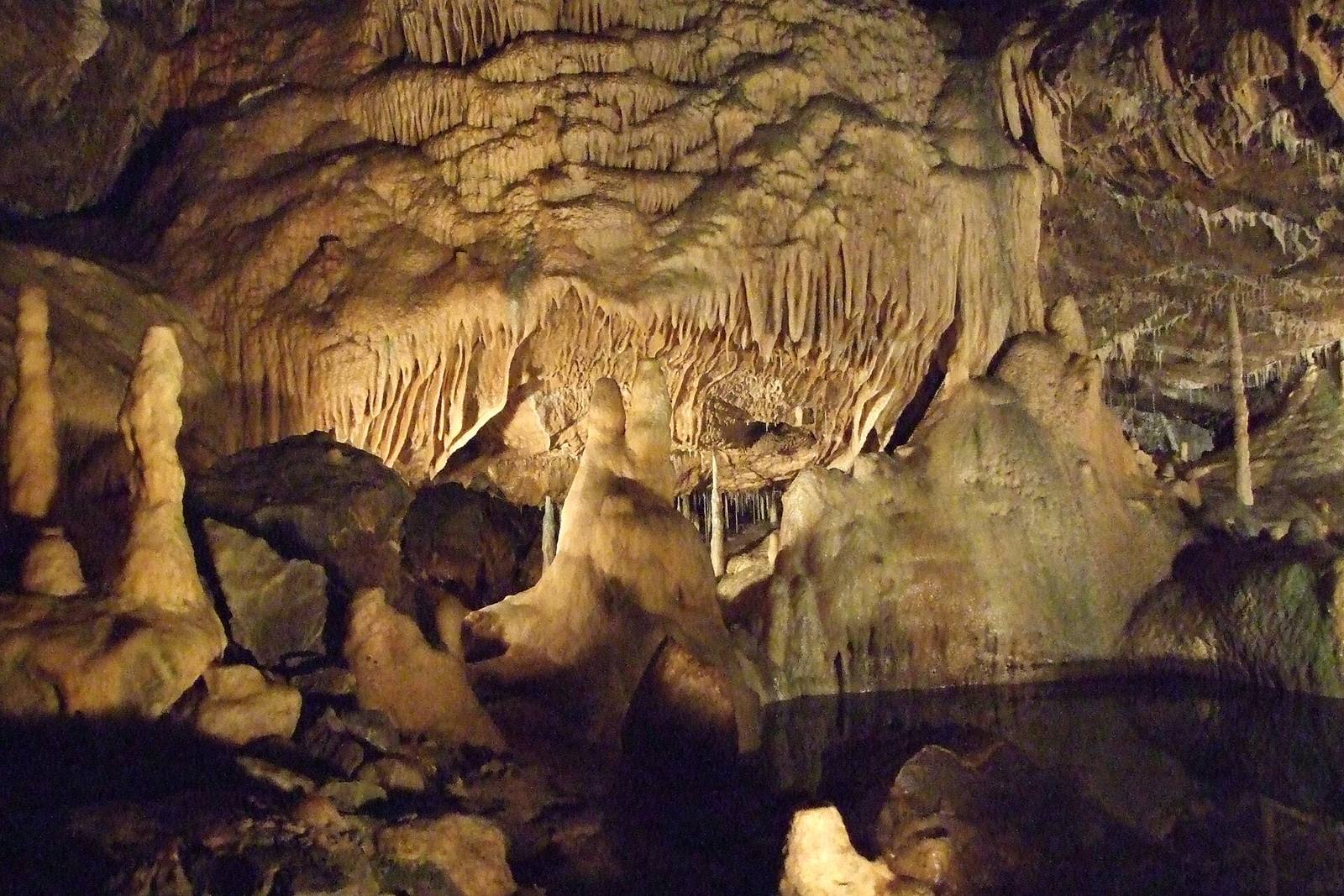 Where edges must be crisp and deliberate, mechanical hard-surface, an animated face, automatic topology softens exactly the control you need. The button is a starting point there, not an answer.
The hybrid workflow
Auto-retopo/UV first as a base, then hand-fix only where it matters: add edge loops to a face, control a hard edge, re-place a UV seam. You get the speed of automation on 90% and the control of hand-work on the 10% that needs it.
The regret-free approach is hybrid, not all-or-nothing. Run the automatic tool to get a clean base in seconds, then review and fix only where the asset needs it: add the loops a deforming face requires, clean up a hard-surface edge the auto-tool rounded, re-cut a UV seam into a hidden crevice. You keep the enormous time savings on the straightforward majority of the mesh and apply your judgement surgically where automation can't. This beats both extremes: hand-retopo-everything (slow) and trust-the-button-blindly (broken hero assets), and it's how experienced artists actually use these tools in 2026, as a powerful first pass, not a final answer.
Deciding per asset
Ask three questions: does it deform? does it have crisp mechanical edges? does texturing need controlled seams? If all no, automate freely. If any yes, auto as a base and hand-finish the parts that need it. The asset's role picks the method.
You don't need a rule per tool. You need three questions per asset. Does it animate/ deform? Does it have crisp hard-surface edges? Does its texturing need deliberate seams? Three no's mean automate with confidence and move on. Any yes means use automation for the base and hand-finish the specific parts that need control. This per-asset judgement is the actual skill: not "auto tools are good/bad," but knowing which asset is which. Get that right and you'll retopologise a whole project far faster while your hero and character assets still get the deliberate topology they require. Clean topology and UVs are also what keep a large library consistent and findable, the same discipline a content browser like Numivo leans on, so automating the bulk cleanly pays off in every later step.
Field numbers worth stealing
- Auto-retopo/UV is very good on static organic assets (rocks, terrain, props)
- Biggest win is volume: scans and background clutter, where hand-work is pure tedium
- Still needs hands: deforming characters, hard-surface edges, deliberate UV seams
- The three questions: does it deform? crisp edges? controlled seams? Any yes means hand-finish
- Best practice is hybrid: auto base + surgical hand-fixes, not all-or-nothing
Mini-FAQ
Can I auto-retopologise a game character? For the base, maybe, but the face and joints need hand-authored edge flow to deform well. Use auto as a starting point on the body and hand-build the deforming areas. Blindly auto-retopo'd characters animate badly.
Is auto-UV good enough to ship? For most environment and background surfaces, yes. For hero assets where seam placement and texel density are critical, treat auto-UV as a base and refine. The stakes rise with how close and important the asset is.
Will these tools replace retopology artists? They replace the tedious part, static, high-volume retopo, and shift the human effort to characters, hard-surface and hero assets where judgement matters. Less grind, more of the work that actually needs a person.
What's the biggest mistake with auto tools? Trusting them on the wrong asset. Auto- retopo a deforming face and it'll pinch when animated. Match the method to the asset's role, and use hybrid finishing for anything that deforms, has hard edges or needs seam control.
Auto-retopo and auto-UV in 2026 are genuinely good, on the right assets. The skill isn't avoiding them or trusting them blindly; it's knowing which asset is which. Automate the static bulk without guilt, hand-finish the characters and hard-surface, and you'll clear a project's retopology in a fraction of the time while the assets that need care still get it. The button is a great first move, just not always the last one.